

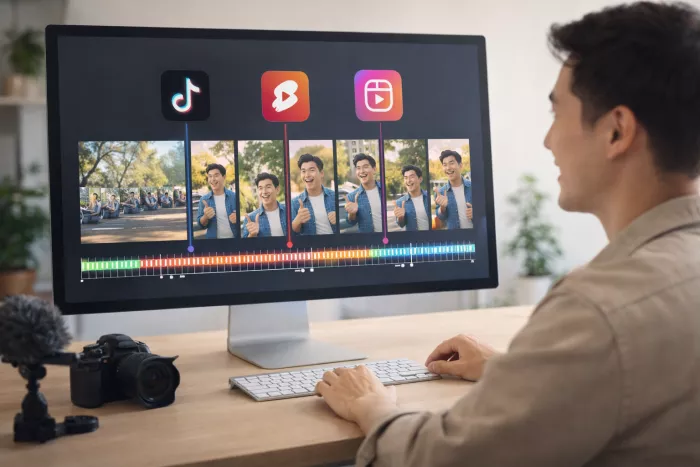
Long videos are great for podcasts, webinars, and YouTube channels. The problem begins when you try to turn those long recordings into dozens of short clips for social media. Cutting highlights manually can take hours, and the process becomes even slower when captions, framing, and editing are involved.
That is exactly the problem tools like Opus Clip were built to solve. Opus Clip automatically identifies interesting moments from long videos and converts them into short vertical clips suitable for platforms like TikTok, Instagram Reels, and YouTube Shorts. Many creators rely on it to repurpose podcast interviews, educational videos, and livestream recordings.
However, Opus Clip is not the only tool that does this well. Several platforms now offer similar capabilities, sometimes with different strengths such as better editing tools, automated captions, social media publishing features, or more control over the clipping process.
This article explores some of the best alternatives to Opus Clip, explaining how each tool works, what it does best, and where it may fall short.
| Tool | Category | Best For | Pricing Model | Website |
| Klap | AI video clipping | Fast podcast clip generation | Free + paid plans | https://klap.app |
| Vizard AI | AI video repurposing | Content marketers and YouTubers | Free + paid tiers | https://vizard.ai |
| VEED Clips | Online video editor with AI clipping | Social media creators | Subscription plans | https://veed.io |
| Descript | AI video and audio editing | Podcast and interview editing | Free + paid plans | https://descript.com |
| SendShort | AI short-video generator | TikTok and Shorts creators | Paid plans | https://sendshort.ai |
| Flowjin | AI highlight generator | Podcast clipping and distribution | Paid plans | https://flowjin.com |
| Quso AI (formerly vidyo.ai) | AI repurposing platform | Marketing teams | Free + paid | https://quso.ai |
| Recast Studio | AI podcast clip generator | Podcast creators | Paid plans | https://recast.studio |
Website: https://klap.app
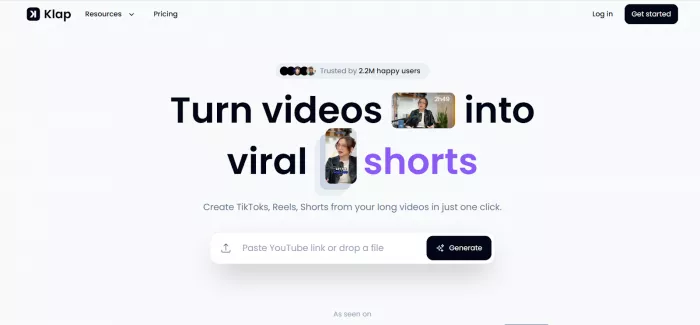
Klap focuses on a very specific workflow: turning long videos into multiple short clips automatically. The tool analyzes long recordings such as podcasts or YouTube videos and identifies segments that are likely to perform well on social media.
Once the system finds those segments, Klap converts them into vertical videos, adds subtitles, and adjusts framing so that speakers remain visible even when the original video was recorded horizontally. This makes it particularly useful for podcasters who want to transform long conversations into multiple shareable clips.
One interesting detail is that Klap does not just cut videos randomly. It attempts to identify coherent conversation moments rather than arbitrary timestamps. That means clips are often complete thoughts rather than incomplete fragments.
The downside is that Klap is intentionally narrow in scope. It focuses on clipping rather than being a full video editing suite. If you want detailed timeline editing, advanced effects, or visual overlays, you will likely need to export clips to another editor.
• Automatically detects meaningful moments instead of random timestamps
• Converts horizontal videos into vertical clips with speaker tracking
• Efficient workflow for podcasters and interview creators
• Limited manual editing tools compared with full video editors
• Best suited for talking-head style content rather than cinematic footage
Website: https://vizard.ai
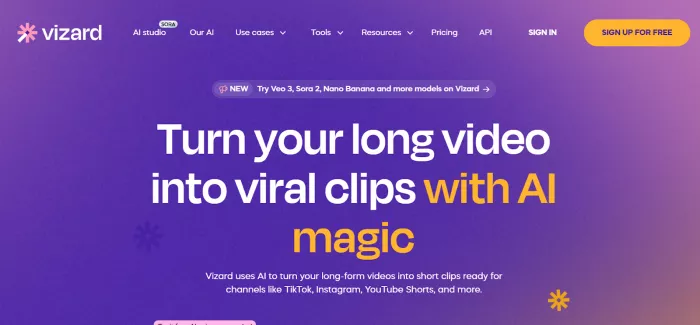
Vizard AI approaches the clipping process from a broader content repurposing perspective. Instead of simply cutting highlights, the platform attempts to transform a long video into multiple social media assets including short clips, captions, and titles.
The system analyzes uploaded content and generates suggested clips along with subtitle overlays. Users can quickly review these suggestions and select the segments that work best. For marketing teams, this workflow can significantly reduce the time required to produce short promotional clips from webinars or product demos.
Another useful feature is the built-in editing interface. Unlike tools that only generate clips automatically, Vizard allows users to refine subtitles, adjust framing, and make small edits without leaving the platform.
The limitation is that the automated clip suggestions can sometimes feel generic. While the AI often identifies useful segments, creators may still need to manually adjust clips to improve pacing or context.
• Good balance between AI automation and manual editing control
• Useful for converting webinars and educational videos into short clips
• Integrated subtitle editing and social media formatting
• Automated highlights may require manual adjustments
• Interface can feel complex for beginners compared with simpler clipping tools
Website: https://veed.io
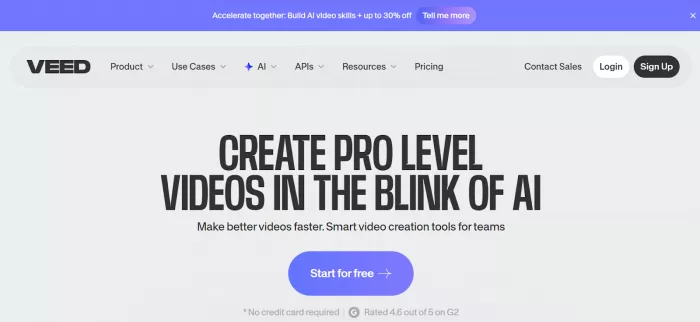
VEED is widely known as an online video editor, but it has gradually expanded into AI-assisted video creation and clipping. The platform includes tools for generating short clips from long videos while also providing traditional editing features such as trimming, overlays, and text effects.
One advantage of VEED is that it does not lock users into a single workflow. You can allow the AI to suggest clips or manually edit videos inside a timeline interface similar to traditional editing software. This hybrid approach is useful for creators who want automation but still need precise control.
VEED also supports automated captions in multiple languages, which makes it useful for creators targeting international audiences. Caption styling can be customized with fonts, colors, and animation effects.
The tradeoff is that VEED is not purely focused on AI clipping. Because it includes a full editor, it can feel heavier than tools designed only for quick highlight generation.
• Combines AI clipping with full video editing capabilities
• Strong subtitle and caption customization features
• Supports multiple social media formats
• Not as specialized for automated highlight detection as some competitors
• Editing interface may feel overwhelming for users seeking quick results
Website: https://descript.com
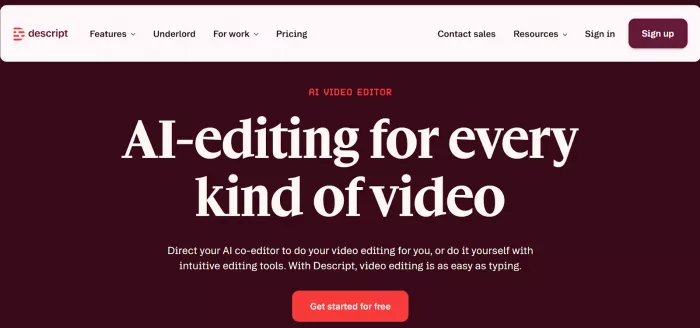
Descript is a unique alternative because it approaches video editing through text editing. Instead of working directly with a timeline, users edit transcripts generated from their videos or podcasts.
When you remove a sentence from the transcript, the corresponding section of video is automatically removed from the timeline. This approach can make editing interviews or podcasts significantly faster because users can focus on dialogue rather than scrubbing through video frames.
Descript also includes AI features such as filler-word removal, automatic transcription, and clip generation. Creators can quickly identify key moments in conversations and turn them into short segments for social media.
However, Descript is more of a full editing environment than a dedicated clipping tool. It works best for creators who want to edit the entire piece of content rather than just generate highlights.
• Transcript-based editing speeds up podcast and interview workflows
• Built-in transcription and caption tools
• Suitable for full podcast production pipelines
• Not optimized solely for automatic highlight detection
• Learning the transcript editing workflow can take time
Website: https://sendshort.ai
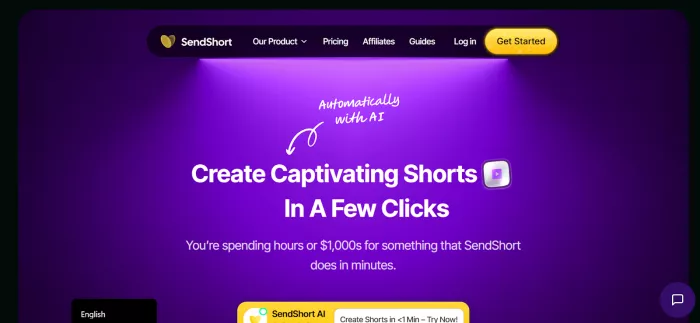
SendShort focuses heavily on creating viral short-form video content. The platform analyzes long videos and extracts segments that are likely to perform well on platforms such as TikTok, Instagram Reels, and YouTube Shorts.
The tool also automatically adds subtitles and reformats videos into vertical formats. This makes it useful for creators who want to publish multiple short clips quickly without spending time editing each one manually.
Another useful feature is the emphasis on social-media optimization. SendShort attempts to identify emotionally engaging or attention-grabbing moments that could work well as standalone clips.
The downside is that the AI’s idea of “viral moments” does not always match the creator’s intentions. Some clips may require manual adjustments to improve context or storytelling.
• Designed specifically for viral short-form content
• Automated subtitles and vertical formatting
• Efficient batch clip generation
• Highlight selection can sometimes prioritize dramatic moments over meaningful ones
• Limited advanced editing features
Website: https://flowjin.com
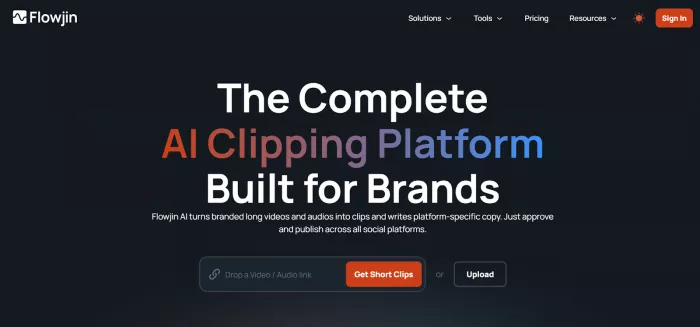
Flowjin focuses strongly on podcast repurposing. The platform analyzes podcast recordings and identifies segments that can be turned into short video clips for social media promotion.
The system uses speech recognition and topic analysis to detect key moments within conversations. This allows creators to generate multiple clips from a single podcast episode without manually reviewing the entire recording.
Flowjin also integrates with several podcast distribution workflows, making it useful for creators who publish content regularly.
However, the tool works best for conversation-driven content. Videos that rely heavily on visuals or demonstrations may not translate well into automatically generated clips.
• Excellent for podcast highlight generation
• AI identifies key talking points in conversations
• Helps convert long podcast episodes into multiple social media clips
• Less effective for visually complex videos
• Primarily optimized for spoken content rather than storytelling footage
| Feature | Klap | Vizard | VEED | Descript | SendShort | Flowjin |
| Automatic clip detection | Yes | Yes | Partial | Partial | Yes | Yes |
| Caption generation | Yes | Yes | Yes | Yes | Yes | Yes |
| Full video editor | No | Limited | Yes | Yes | Limited | Limited |
| Podcast workflow support | Strong | Moderate | Moderate | Strong | Moderate | Strong |
| Social media optimization | Moderate | Moderate | Strong | Moderate | Strong | Moderate |
Different creators need different workflows. A podcaster may prioritize transcription and highlight detection, while a marketing team might want strong editing tools and caption customization.
Klap and Flowjin are especially effective for podcast clipping workflows, while SendShort and Vizard lean toward social media marketing and viral short-form content.
Creators who want more editing control may prefer VEED or Descript because they combine AI automation with traditional editing capabilities.
AI video clipping tools are changing how creators repurpose content. Instead of manually cutting dozens of clips from long recordings, creators can now generate highlights in minutes and focus on distribution rather than editing.
Opus Clip remains a strong option in this category, but it is not the only tool capable of handling the workflow. Depending on whether you prioritize automation, editing control, or podcast workflows, several alternatives may fit your needs better.
The most important takeaway is that the future of video production is not just about creating content. It is increasingly about efficiently repurposing that content across multiple platforms, and AI clipping tools are quickly becoming a central part of that process.

Do your emails often get ignored and end up unopened in crowded inboxe...
Homework used to take time. You had to go through books, notes, and di...
There is a very specific kind of confidence that comes from generating...
If AI could understand vibes, we wouldn’t be writing essays as prompts...

Hospitals are beginning to see measurable reductions in waiting times...

Artificial intelligence has quickly become part of everyday learning....
Discussion