

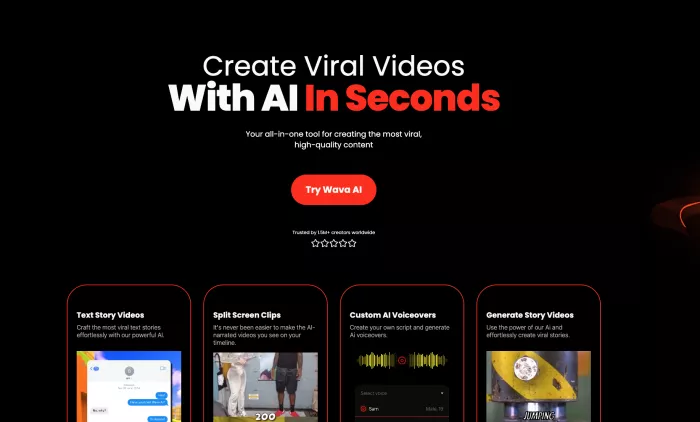
AI video tools have exploded faster than a trending TikTok sound. Short form content is now the currency of attention, and platforms like Wava AI promise viral-ready videos with minimal effort. On paper, Wava looks like the dream setup for faceless content creators who want scripts turned into videos without touching a timeline.
But once the honeymoon phase ends, many creators start looking sideways. Credit burn can feel aggressive, camera control is limited, and rendering queues are not always predictable. Real user feedback across review platforms reflects this tension. The tool works well for certain workflows, but it does not fit everyone’s production needs.
This guide cuts through the hype. The focus here is on same-tier alternatives that compete directly with Wava AI in 2026. Each platform was evaluated on video realism, workflow flexibility, pricing clarity, and creator friendliness. By the end, the right tool for your specific use case should be crystal clear.
| Tool | Free Tier | Max Resolution | Typical Clip Length | Ease of Use | Best For | Starting Price |
| Wava AI | 7 day trial + credits | 1080p (4K planned) | ~1 to 3 min segments | Very high | Faceless viral stories | $19 per month |
| Runway Gen-4 | 125 credits trial | Up to 4K upscaled | Extendable scenes | Moderate | Professional editing | $12 per month |
| Pika Labs | 15 credits | 1080p | 5 to 60 seconds | Very high | Cinematic shorts | $8 per month |
| Luma Dream Machine | Limited free | Up to 4K | 10 to 60 seconds | Moderate | Cinematic storytelling | About $15 per month |
| Kaiber AI | 10 trial generations | 4K upscaled | Up to 60 seconds | Moderate | Music driven visuals | $12 per month |
| Kling via ImagineArt | Test clips | 1080p | Up to 2 minutes | Moderate | Physics realism | Pay per use |
| PixVerse AI | Demo only | 720p | 3 to 5 seconds | Very high | Viral effects | $8 per month |
What this really tells you: Wava wins on simplicity, but several competitors pull ahead on realism, flexibility, or creative depth.
Wava AI is built for speed and convenience, not for deep creative control. That is both its superpower and its limitation. Once creators move beyond basic faceless clips, friction starts to show up.
The most common pressure points usually look like this:
• Need longer video duration than Wava comfortably supports
• Want more camera and scene control
• Need more predictable rendering performance
To be fair, Wava does a lot right. The script to video pipeline is one of the smoothest in the beginner market, and the integrated voice workflow removes several production steps. For quick social storytelling, it still feels remarkably efficient.

The problem appears when projects grow in ambition. That is where the alternatives in this guide start making a strong case.
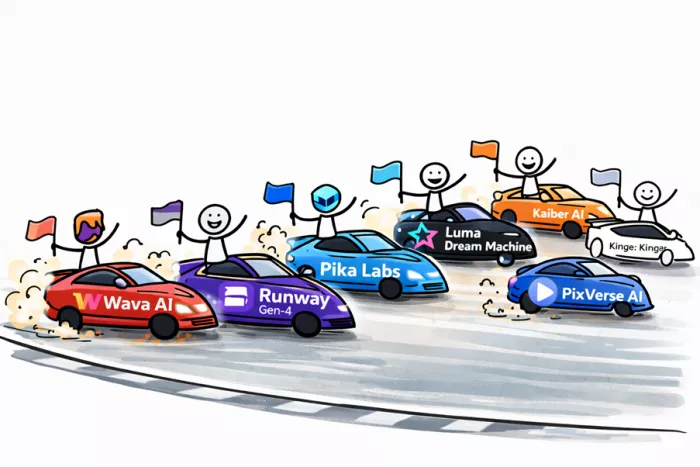
The goal was not to dump random AI video tools into a list and call it a day. Every platform here competes in the same general creator tier as Wava AI.
First, only tools with true generative video capability were considered. Template-only editors and slideshow builders were excluded. If the AI is not actually generating motion, it did not make the cut.
Second, browser accessibility was prioritized. Wava’s audience largely expects cloud based workflows, so heavy desktop-only suites were avoided unless they have strong web support.
Third, each tool was evaluated on real creator concerns: motion realism, output stability, generation speed, and prompt reliability. Marketing claims were ignored. Performance mattered more than promises.
What It Is
Runway is not just a generator. It is closer to a full AI video studio living in your browser. The platform combines text to video, image animation, inpainting, and advanced editing tools in one ecosystem.
Creators typically start with a prompt or asset and then refine the output using Runway’s layered toolset. This flexibility has made it popular with YouTubers, agencies, and creative teams who want more than one-click automation.
In the 2026 landscape, Runway sits firmly in the high capability tier. It is less beginner friendly than Wava but dramatically more powerful once the workflow clicks.
Why It’s Better Than Wava AI
Runway gives creators surgical control over their output. Instead of accepting whatever the AI produces, scenes can be refined, extended, and adjusted in ways Wava simply does not support.
Motion quality is also more consistent. Complex scenes, lighting transitions, and multi shot sequences tend to hold together better under Runway’s models.
Where this really matters is in branded content or polished social campaigns. When visual credibility is important, Runway’s extra control pays off quickly.
Key Strengths
Industry grade output quality; deep editing flexibility; strong creative control.
Limitations
Steeper learning curve; workflow takes longer to master.
Pricing Overview
Free trial credits are available. Paid plans begin around $12 per month depending on usage.
Best For
Creators who want professional level control and are willing to trade some simplicity for higher quality output.

What It Is
Pika Labs focuses on one thing and does it very well. Turn a prompt into a visually striking short clip with minimal friction.
The interface is intentionally simple. Describe the scene, choose a style, and let the model do the heavy lifting. This has made Pika extremely popular among short form creators.
By 2026, Pika has matured into one of the most reliable quick generation tools in its category.
Why It’s Better Than Wava AI
Pika often produces more visually dynamic scenes. Lighting, motion, and texture tend to feel more cinematic compared to Wava’s faceless story format.
Generation speed is also impressive. For creators pushing out rapid social content, those saved minutes add up.
Where Pika wins is visual punch. Where Wava wins is narrative automation. Knowing which matters more to your workflow is key.
Key Strengths
Excellent visual polish; very fast generation; extremely beginner friendly.
Limitations
Limited built in storytelling tools; voice integration is absent.
Pricing Overview
Free credits available. Paid plans start around $8 per month depending on credit usage.
Best For
Creators who want eye catching short clips that look expensive without actually being expensive.
What It Is
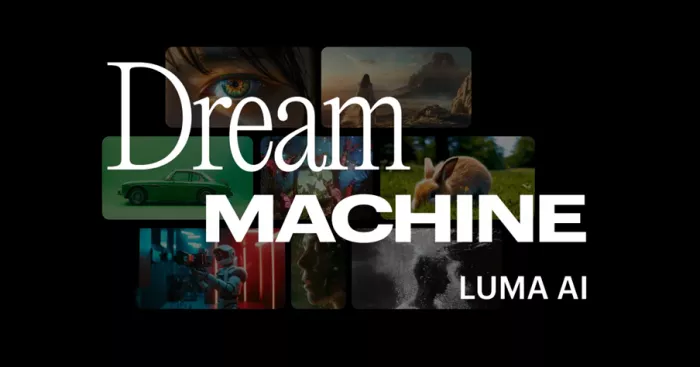
Luma Dream Machine is designed for creators who want more continuity and scene coherence. The platform leans heavily into cinematic workflows rather than quick meme style outputs.
Users can generate, extend, and refine scenes in ways that feel closer to traditional video production pipelines. This makes it attractive for agencies and serious content teams.
In the current market, Luma sits above basic generators but below full production suites in complexity.
Why It’s Better Than Wava AI
Luma handles scene consistency better. Characters, environments, and lighting tend to remain more stable across shots.
For storytelling projects that span multiple clips, this becomes extremely valuable. Wava is fast, but Luma is more structurally reliable.
The tradeoff is clear. More power means more learning curve.
Key Strengths
Strong cinematic consistency; high quality rendering; flexible scene workflows.
Limitations
Interface is more complex; generation can be slower.
Pricing Overview
Limited free access exists. Paid plans typically start around $15 per month.
Best For
Teams and creators building narrative driven video rather than quick viral snippets.
What It Is
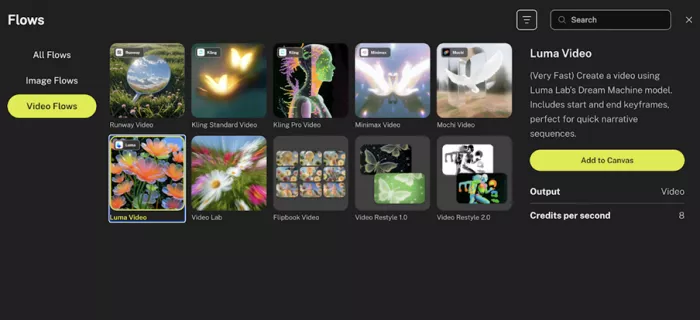
Kaiber takes a different creative angle. The platform specializes in generating visuals that respond to audio, making it popular with musicians and visual artists.
Users often begin with a soundtrack and let the AI build motion that follows the rhythm. The result feels more like a music visualizer than a traditional AI video.
This niche focus gives Kaiber a very distinct identity in the market.
Why It’s Better Than Wava AI
Wava treats audio mostly as narration. Kaiber treats audio as the engine driving the visuals.
If content revolves around beats, drops, or musical pacing, Kaiber’s synchronization creates a noticeably more dynamic result.
For silent faceless storytelling, Wava is simpler. For audio driven visuals, Kaiber clearly pulls ahead.
Key Strengths
Excellent audio synchronization; strong artistic styles; good creative flexibility.
Limitations
Learning curve is moderate; not ideal for pure narrative videos.
Pricing Overview
Free trials available. Paid plans generally begin around $12 per month.
Best For
Musicians, DJs, and creators building rhythm driven social content.
| Capability | Wava AI | Runway | Pika | Luma | Kaiber | Kling | PixVerse |
| Ease of workflow | Very beginner friendly | Moderate learning | Extremely simple | Moderate complexity | Moderate | Moderate | Extremely simple |
| Visual realism | Good for faceless content | Very high | High cinematic | Very high | High artistic | Very high physics | Stylized only |
| Creative control | Limited | Extensive | Limited | Extensive | High | Moderate | Minimal |
| Speed consistency | Generally fast | Variable | Very fast | Slower | Moderate | Slower | Instant |
| Flexibility ceiling | Low to medium | Very high | Medium | Very high | High | Medium | Very low |
This table exposes the core truth. Wava optimizes for speed and simplicity, while most alternatives optimize for control and visual depth.
Despite the competition, Wava AI still owns a very specific lane. For faceless storytelling workflows, the script to video pipeline remains one of the smoothest entry points in the market.
The platform shines when speed matters more than precision. New creators, faceless channel builders, and rapid content publishers can move from idea to finished clip with very little friction.
Where Wava struggles is scale and control. But for quick turnaround social storytelling, it still delivers surprising efficiency.
Beginners should lean toward Wava or PixVerse if simplicity is the top priority. These platforms remove most of the technical friction.
Intermediate creators will likely find the sweet spot in Pika or Kaiber. Both add creative depth without becoming overwhelming.
Advanced users who care about polish and production quality should look closely at Runway or Luma. The extra control becomes worth it very quickly.
Wava AI remains one of the fastest ways to turn a script into a publish ready faceless video. For creators focused on volume and speed, the workflow still feels impressively streamlined.
However, extended testing across competing platforms reveals clear ceilings. When projects demand higher realism, deeper scene control, or more cinematic output, tools like Runway, Pika, and Luma consistently deliver stronger results.
The smartest approach in 2026 is not treating this as a one tool decision. Wava performs best as a rapid production engine for social storytelling, while the alternatives covered here unlock higher creative headroom when quality becomes the priority.
BrandCrowd built its name as a go-to logo tool for small business...
There is a specific kind of disappointment that comes from opening a b...
AI companion apps have moved well beyond novelty status. What started...
Let’s start with an uncomfortable truth. Most people want their photos...

The U.S. Commerce Department is considering a new set of export contro...

Amazon Web Services has introduced Amazon Connect Health, a new health...
Discussion