
There is a specific kind of disappointment that comes from opening a branding tool, getting your hopes up from the landing page, and then finding the product does not quite live up to it.
Design.com goes big with its positioning as the number one logo company in the world, and it backs that up with a 4.7 Trustpilot rating from over 3,000 reviews. Whether any of that translates into something useful for you depends on what you actually need and how well you understand what the platform was built to do.
This review covers what Design.com offers in 2026, where it holds up, and where it pays to walk in with your expectations grounded.
| Category | Detail |
| Trustpilot Rating | 4.7 |
| Trustpilot Reviews | 3,000+ |
| Logo Templates | 400,000+ |
| Total Design Templates | 1,000,000+ |
| Fonts Available | 750+ (525+ exclusive) |
| Custom Vector Shapes | 62,000+ |
| AI Tools Included | Logo generator, website builder, business cards, flyers, posters, presentations, business name generator, background remover |
| Support | 24/7 email and chat |
Design.com markets itself as the world's largest logo platform for small businesses, entrepreneurs, and anyone who wants a professional visual identity without paying agency rates.
The idea is to have everything in one place. You start with a logo concept and the platform takes you through to a full brand kit, covering a website, business cards, social graphics, and print materials along the way.
The numbers backing that pitch are also amazing. Over 400,000 logo templates and more than a million total design templates across every category gives it coverage that most competitors cannot match. That scale alone puts it in a different bracket from the smaller tools in this space.
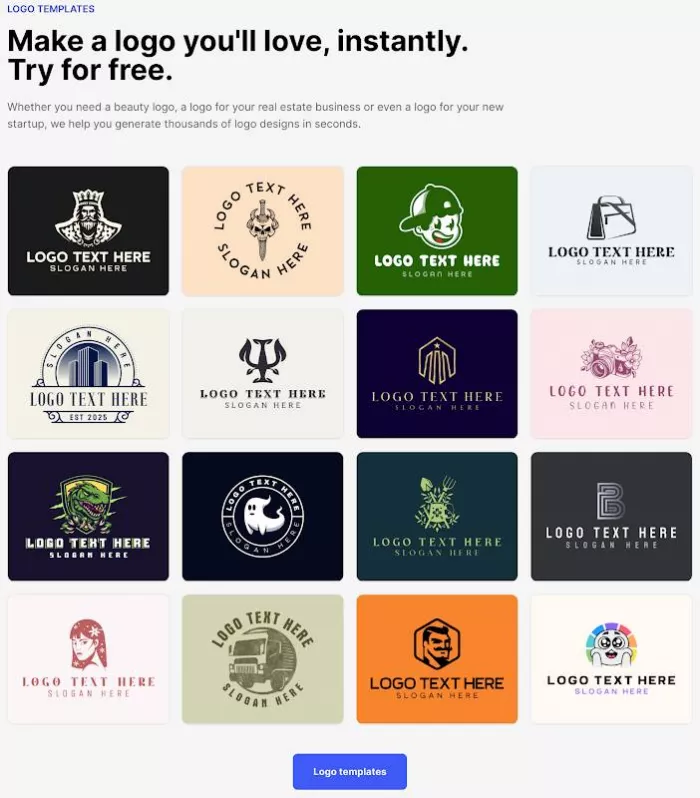
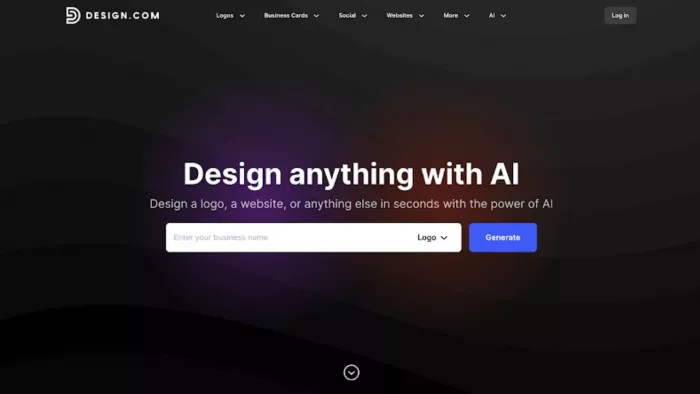
The logo creation process is set up for browsing rather than rushing. You type in your business name, pick your industry, and the platform pulls up relevant designs from the library. From there you can filter by color, style, and shape, save the ones you like, or put together a voting poll to share your top picks with colleagues or clients and get some outside opinions before you settle on anything.
What sets Design.com's editor apart from most tools at this level is the AI-assisted editing built on top of the template foundation. Rather than being locked into what the template gives you, you have a few ways to make it your own:
● Edit your logo icon directly using AI
● Adjust the text treatment through AI tools
● Open a chat window and describe the change you want in plain language
The AI has been custom-trained to keep every edit within copyright-safe boundaries, which matters a lot if you plan to use the finished design commercially. The font library covers over 750 options, with more than 525 exclusive to the platform, and the icon and shape library draws from over 62,000 custom vector options. For a template-based tool, the editing range goes much deeper than most people expect.
All logos are created by professional designers and checked individually for originality and quality before going live. Every design is 100% commercially safe to use.
Getting a logo is just the first step. Once you have picked a direction, Design.com's automatic branding system carries your color palette and visual style through to all the other materials you need. Social posts, print layouts, and web templates pick up your logo colors automatically so you do not have to rebuild your brand identity from scratch every time you start a new design.
The platform gives you access to more than 50 design tools, covering:
Business cards and digital business cards
Instagram and Facebook posts and stories
Email signatures, letterheads, and menus
Presentations and QR codes
Flyers, posters, websites, and Link in Bio pages
Physical printing is also available through the platform. You can order your logo on business cards, apparel, mugs, mousepads, and more, with free delivery included on all print orders. Domain registration is available directly through the platform too, which keeps the whole website setup process in one place.
Design.com is available in English, Spanish, French, German, Portuguese, Canadian French, and Brazilian Portuguese. It accepts payments in nine currencies, including USD, AUD, GBP, EUR, INR, PHP, BRL, MXN, and ZAR, making it accessible to users across a wide range of markets.
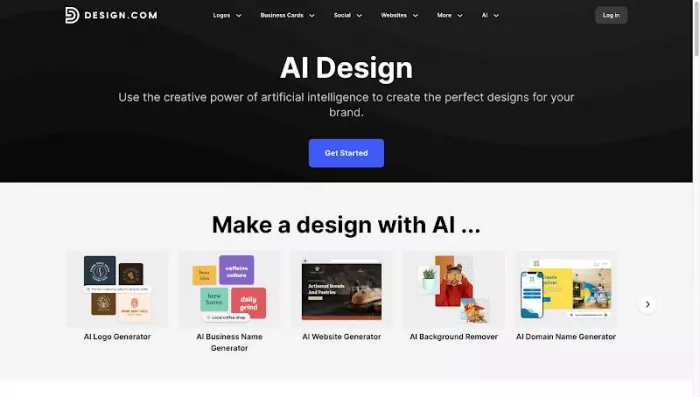
Design.com has built out its AI layer well beyond a basic logo generator. Here is the full list of what is currently on the platform:
● AI logo generator
● AI website builder
● AI business card creator
● AI flyer and poster tools
● AI presentation builder
● AI business name generator
● AI background remover
The AI logo editing experience is worth calling out specifically. Being able to type out what you want changed, rather than digging through menus looking for the right control, is a noticeably better way to work. It is the kind of small improvement that does not sound significant until you are actually using it and realize how much time it saves.
Design.com gives you a solid range of output formats. Vector files come in SVG, EPS, and PDF. Raster files are available in PNG and JPG. Animated versions export as GIF and MP4, and you get icon-only versions and transparent background options across all file types. That range is enough for digital use, handing files to a printer, or passing assets along to a developer without needing to go back and request a different format.
Design.com has a free tier that is worth taking seriously. Downloading a free logo gives you access to:
● The free website builder
● The free Link in Bio creator
● The free digital business card maker
All of those can be published without paying a cent. The free download also opens up over 50 design tools for making business cards, social posts, flyers, and more.
Design.com has three subscription tiers. Paying annually brings a 72% savings compared to the monthly rate.
| Plan | Monthly Billing | Annual Billing | What's Included |
| Starter | $9/month | $3/month | Logo files, unlimited edits, business cards, social posts, email signature, letterheads, 50+ tools, and premium templates |
| Value | $14/month | $4/month | Everything in Starter plus the AI website builder |
| Premium | $19/month | $5/month | Everything in Value plus Link in Bio and digital business cards |
On every plan your logo is yours to keep permanently, you can cancel whenever you want, and high-res and vector files are included as standard. Extended licenses are also available for anyone who wants to pull their chosen logo from the public library so no other customer can buy the same design, which is worth budgeting for separately if exclusivity matters to your brand.
Design.com was built for people who are not designers, and that shows up in every part of the experience. A few things are worth knowing before you sign up:
● Geared toward beginners and small businesses. The editing tools are approachable and quick to pick up. More advanced designers who want full creative control may find the editor a bit structured for their taste, but for anyone starting from zero it removes a lot of friction that would otherwise slow things down.
● Web-based only. Everything runs in the browser and there is no dedicated desktop or mobile app yet. The browser experience is fast and works well across devices, so it rarely feels like a limitation in practice.
● Collaboration is kept simple. The voting poll tool is a handy way to get quick feedback on logo options from a small group. Larger teams that need more layered collaborative workflows may want something more robust, though for most small businesses the current setup is more than enough.
● Not built for technical integrations. Design.com is designed for non-technical users who want a finished brand without piecing things together across multiple tools. For straightforward branding needs, that focused approach is a plus.
Design.com in 2026 is a well-built branding platform that covers a lot of ground for small businesses and solo operators. The template library is large and well-organized. The AI editing tools are a real step up from what older template-based tools used to offer. The free tier gives you enough room to properly test the platform, and the annual pricing holds up well against everything you get access to.
The limitations are straightforward. The platform is built around simplicity, so experienced designers will hit its ceiling before beginners do. The browser-only setup and the light collaboration features are both products of the same thinking. This is a tool for people who need results without a steep learning curve, not for teams running complex creative workflows.
If that matches where you are, Design.com earns what it promises. The number one claim is marketing, but the product is solid enough that most small business owners will not walk away feeling like they were oversold.
BrandCrowd built its name as a go-to logo tool for small business...
AI companion apps have moved well beyond novelty status. What started...
Let’s start with an uncomfortable truth. Most people want their photos...

The U.S. Commerce Department is considering a new set of export contro...

Amazon Web Services has introduced Amazon Connect Health, a new health...
Vidful AI has built its reputation on speed and accessibility. You ope...

Discussion