

Files Over Miles was a peer-to-peer (P2P) browser-based file-sharing service launched in 2009 by Bartosz Biskupski. It allowed users to send files directly from one device to another without uploading them to a server or cloud storage.
Key Features:
● Direct P2P Transfer: Files moved directly between sender and recipient for faster transfers.
● No Account Needed: Users generated unique links to share files instantly.
● Large File Support: Suitable for files larger than typical email attachments.
● Temporary Links: Downloads were available only during the session, enhancing privacy.
● Proof-of-Concept: Demonstrated browser-based P2P sharing potential.
1. Open the Files Over Miles website in a browser.
2. Select the file to share.
3. A unique URL is generated.
4. Share the link with the recipient.
5. The recipient’s browser connects directly to yours, downloading the file without any intermediary server.
Both users had to keep their browsers open until the transfer was complete.
While Files Over Miles was innovative, it had limitations:
● Limited updates and technical support
● Compatibility issues with modern devices
● Occasional downtime
● Lack of cloud storage, collaboration, or advanced security features
Modern alternatives now offer faster transfers, higher reliability, security, and team collaboration, making them ideal for both individuals and businesses.
| Alternative | Platforms | Max File Size | Key Features | Pricing |
| Microsoft OneDrive | Windows, Android, iOS, Web | 100GB | Real-time collaboration, file versioning, automatic backup, Office integration | Free: 5GB, Basic: $16.61/yr, Personal: $76.47/yr, Family: $90.87/yr |
| Google Drive | Windows, Android, iOS, Web | 250GB | Offline access, AI-powered search, customizable sharing, collaboration | Free: 15GB, Business: $12/mo |
| Dropbox | Windows, Android, iOS, Web | 50GB | File syncing, cross-platform access, version history, encryption | Plus: $9.99/mo, Professional: $16.58/mo, Standard: $15/mo, Advanced: $24/mo |
| AirDroid Personal | Windows, Android, Web | 20GB | Remote device management, backup, notification monitoring, app control | Monthly: $3.99, Quarterly: $3.23, Yearly: $2.50 |
| WeTransfer | Windows, Android, iOS, Web | 2GB Free, 20GB Pro | Large file sending, password protection, custom download pages | Free, Ultimate: $19/mo, Teams: $16.98/mo Enterprise: Custom |
| pCloud | Windows, Android, iOS, Web | 5TB | Lifetime plans, link sharing, file comments, app integration | Premium: $199, Premium Plus: $399, Custom: $1,190 |
| Send Anywhere | Windows, Android, iOS, Web | Unlimited | No registration, AES 256-bit encryption, cross-platform, expiry control | Free: $0/mo Lite: $59.99/mo Standard: $99.99/mo |
| Filemail | Windows, Android, iOS, Web | 50GB Free, Unlimited Paid | Recipient tracking, encryption, custom branding, project management | Personal: $5/mo Pro: $12/mo, Business: $18/mo, Enterprise: Custom |
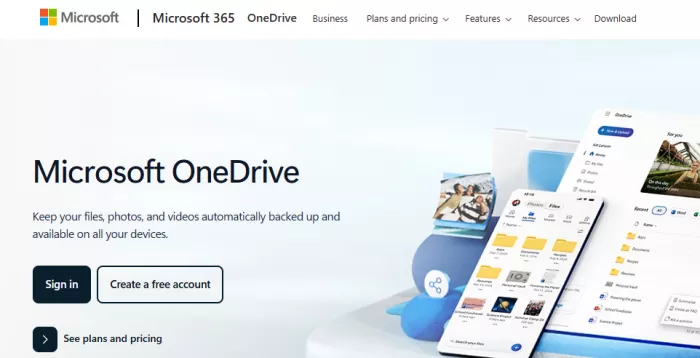
Why it’s great: Integrates seamlessly with Office apps, supports real-time collaboration, automatic backups, and file versioning.
Features:
● Multi-device access
● Shared folders and document co-editing
● Restore previous versions to prevent data loss
● Mobile auto-upload for photos and videos
Pros: Reliable, secure, team-friendly
Cons: Limited free storage (5GB)
User Feedback:
"OneDrive keeps all our project files synchronized across devices and saves us a lot of time." – TeamLead87
Why it’s great: Multi-platform, AI-powered search, offline access, and strong collaboration tools.
Features:
● Share files with specific people or publicly
● Integration with Google Docs, Sheets, and Slides
● File suggestions and search powered by AI
● Offline editing
Pros: Easy to use, collaboration-friendly, free 15GB storage
Cons: Privacy concerns with Google data scanning
User Feedback:
"Google Drive is perfect for sharing files with my team while traveling." – DigitalNomad
Why it’s great: Robust synchronization, cross-platform support, collaboration tools, and security.
Features:
● Version history to track changes
● Integration with Slack, Zoom, and Microsoft Office
● Shared folders with permission management
● Two-factor authentication and encryption
Pros: Reliable syncing, strong security
Cons: Premium plans required for large storage
User Feedback:
"Dropbox version history saved us when files were accidentally deleted." – ProjectManager89
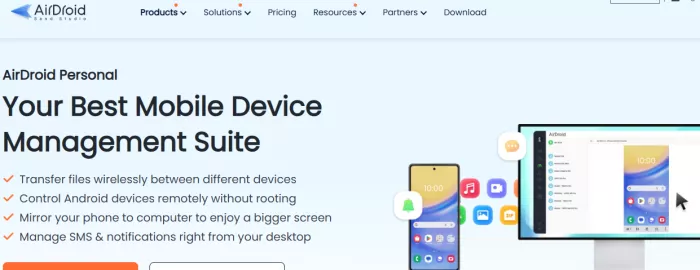
Why it’s great: File sharing and remote device management for mobile-heavy users.
Features:
● Remote notifications and app control
● Backup and restore previous versions
● User-friendly interface for non-technical users
Pros: Great for Android devices, simple interface
Cons: Limited free storage
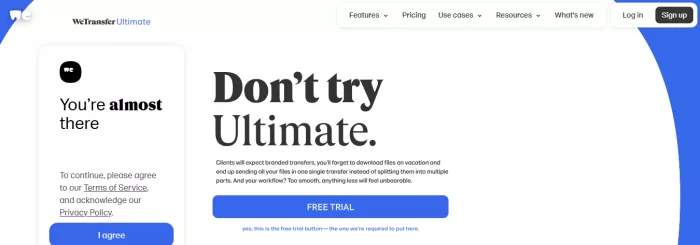
Why it’s great: Easy-to-use for sending large files without registration.
Features:
● File size up to 2GB free, 20GB with Pro
● Password protection and customizable download page
● Email or link-based delivery
Pros: Quick and simple
Cons: Limited free file size
Why it’s great: Cloud storage with lifetime plans and collaboration features.
Features:
● Link sharing with non-pCloud users
● File comments for collaboration
● Integration with Slack, Zoom, Office apps
● Lifetime subscription options
Pros: Lifetime plans, secure, collaborative
Cons: High one-time cost for lifetime plans
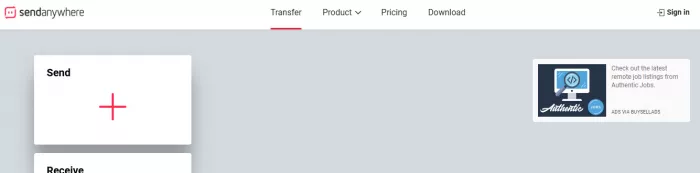
Why it’s great: Simple, secure transfers without registration.
Features:
● AES 256-bit encryption
● Expiration dates and download limits for shared files
● Cross-platform support
Pros: Fast, secure, no registration needed
Cons: Pricing requires custom quote for businesses
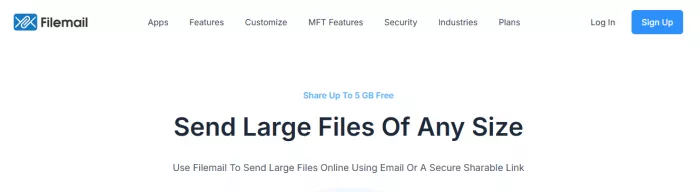
Why it’s great: Advanced project tracking and secure sharing for businesses.
Features:
● Recipient tracking to monitor downloads
● Encryption and advanced security
● Custom branding options
● Large file support
Pros: Excellent for enterprise use, secure
Cons: Limited free plan
Q1. How can I transfer large files over long distances?
Use cloud storage, encrypted download links, or P2P browser-based tools for direct transfers.
Q2. Is peer-to-peer file sharing legal?
Yes, as long as copyrighted material isn’t shared without permission.
Q3. Which alternative is best for collaboration?
Microsoft OneDrive, Google Drive, and Dropbox are top choices.
Q4. Can I send files without registration?
Yes, WeTransfer and Send Anywhere allow file sharing without creating an account.
Q5. Are these services secure?
Most alternatives offer encryption and password protection for secure transfers.
Files Over Miles was innovative for its time, but in 2026, there are faster, more secure, and versatile alternatives. Whether you need direct device-to-device transfers, cloud storage, collaboration tools, or advanced security, the options above, Google Drive, OneDrive, Dropbox, WeTransfer, pCloud, AirDroid, Send Anywhere, and Filemail offer solutions for all users and businesses.
Pro Tip: Choose a platform based on file size, collaboration needs, and security priorities to ensure smooth, reliable, and efficient file sharing.

Do your emails often get ignored and end up unopened in crowded inboxe...
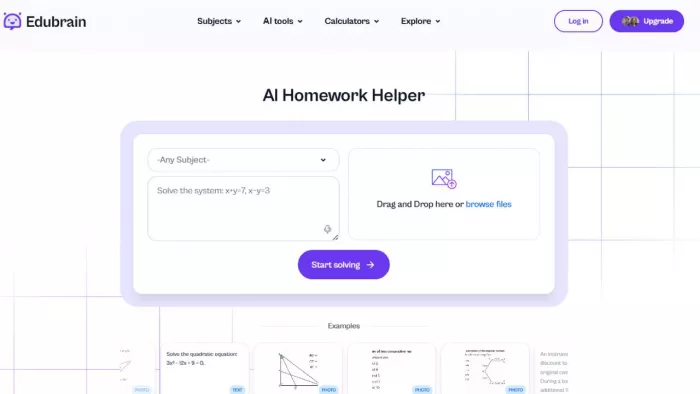
Homework used to take time. You had to go through books, notes, and di...
There is a very specific kind of confidence that comes from generating...
If AI could understand vibes, we wouldn’t be writing essays as prompts...

Hospitals are beginning to see measurable reductions in waiting times...

Artificial intelligence has quickly become part of everyday learning....
Discussion