


I didn’t discover Toolbaz AI because of hype or ads. I found it the same way most people do, while searching for a free AI tool that doesn’t force a login. At the time, I wasn’t looking for a replacement for my main AI tools. I just needed something fast, disposable, and low-commitment.
What started as casual use slowly turned into repeated use across writing, brainstorming, SEO drafts, and even testing different AI models. Over time, patterns emerged. Some impressed me. Others frustrated me.
This review is not theoretical. It’s based on real, repeated usage.
The biggest reason I keep opening Toolbaz is frictionless access.
No signup.
No trial timer.
No “verify your email” step.
When I just want to test an idea or generate a rough paragraph, Toolbaz lets me do that without making me commit.
That alone puts it in a different category from most AI tools, and sets the stage for both its strengths and weaknesses.
The first thing I noticed is that Toolbaz doesn’t try to look premium.
The interface is:
But it’s also:
I never had to “figure out” where things were. Every tool is labeled clearly, which matters when you’re in a hurry. Still, after longer sessions, the clutter and ads do start affecting focus — something I didn’t notice in the first few uses but definitely felt later.
That made me curious whether the actual tools would compensate for the rough presentation.
Writing tools are where I spent the most time.
I used Toolbaz for:
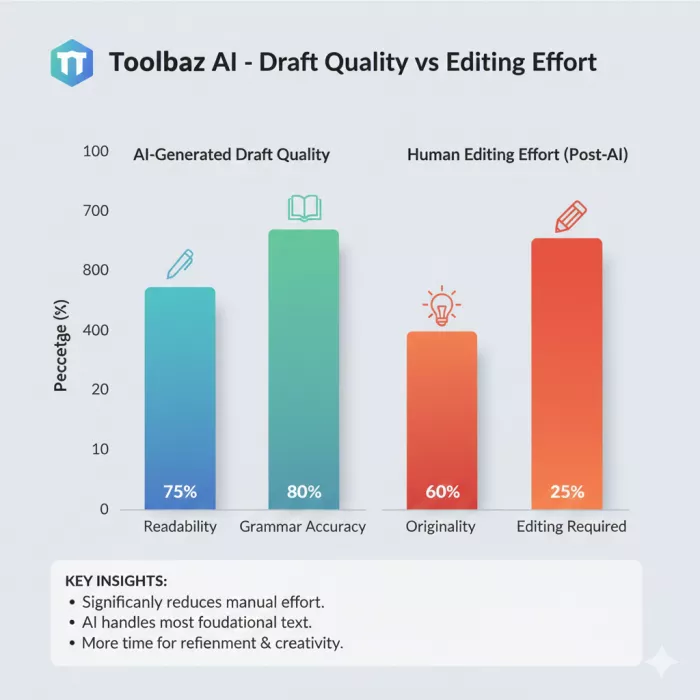
What I consistently experienced:
What I consistently had to fix:
Toolbaz doesn’t hallucinate wildly, which I appreciate. But it also doesn’t surprise me. Every output feels like a baseline draft, useful, but unfinished.
For me, it became a tool I use before serious editing begins.
I tried pushing Toolbaz into long-form territory.
It can technically generate long articles, but here’s what happens:
I never felt confident publishing long-form content directly from Toolbaz. Instead, I used it to:
For long-form authority content, Toolbaz needs human structure and judgment layered on top.
I intentionally tested Toolbaz for SEO-related work because that’s where many free AI tools fail.
What Toolbaz does well:
What it doesn’t understand:
Toolbaz doesn’t think like an SEO strategist. It thinks like a generic content assistant. I had to manually guide it heavily if I wanted SEO-aligned output.
That’s fine — as long as expectations are realistic.
I tested the story generator multiple times, out of curiosity more than necessity.
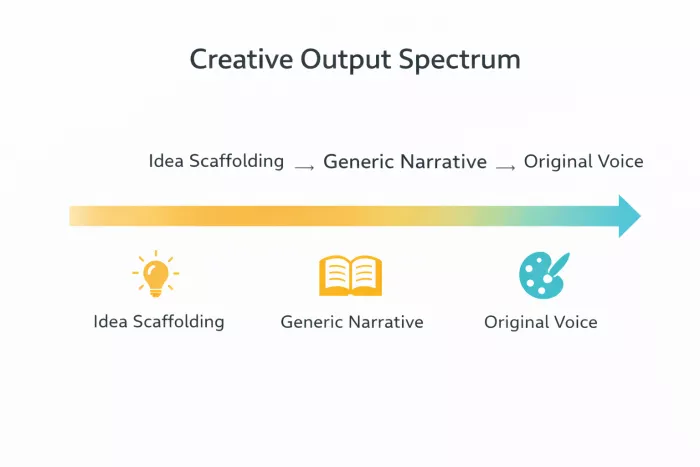
The stories were:
They followed familiar storytelling patterns and tropes. I wouldn’t call them creative in a human sense, but they were useful for:
I never felt emotionally moved by the output, but I did find it useful as a creative warm-up tool.
I’m not a full-stack developer, but I do use code occasionally.
Toolbaz helped me with:
Where I didn’t trust it:
I treated Toolbaz code output as educational assistance, not deployable code. Used this way, it was helpful. Used blindly, it would be risky.
The image generator works — but it’s not impressive.
My experience:
I used it for:
I would not use Toolbaz for serious visual design work. It feels like a convenience feature, not a core strength.
Text-to-speech and speech-to-text felt functional but basic.
Voice output:
Speech-to-text:
These tools were usable but forgettable. They didn’t influence my decision to keep using Toolbaz.
Toolbaz lets me choose between different AI models, which I tested deliberately.
I noticed differences in:
However, Toolbaz doesn’t explain:
For experienced users, this is a nice bonus. For beginners, it’s easy to ignore entirely.
At first, Toolbaz felt unlimited.
Over time, I encountered:
I was never blocked completely, but I was clearly nudged toward moderation. I understand why — AI infrastructure is expensive — but it’s important to know Toolbaz is free with limits, not free forever.
After extended use, these strengths stood out clearly:
When I need something quickly, Toolbaz is often the first tab I open.
These issues consistently broke my workflow:
None of these alone are dealbreakers, but together they define the platform’s ceiling.
Based on my experience, Toolbaz works best for:
It is not ideal for:
Knowing this prevents frustration.
Toolbaz AI is not a replacement for premium AI platforms.
It doesn’t try to be.
It succeeds by being:
When I treat it as a starting point, it delivers value.
When I expect finished output, it disappoints.
Used intentionally, it earns its place in my toolkit.
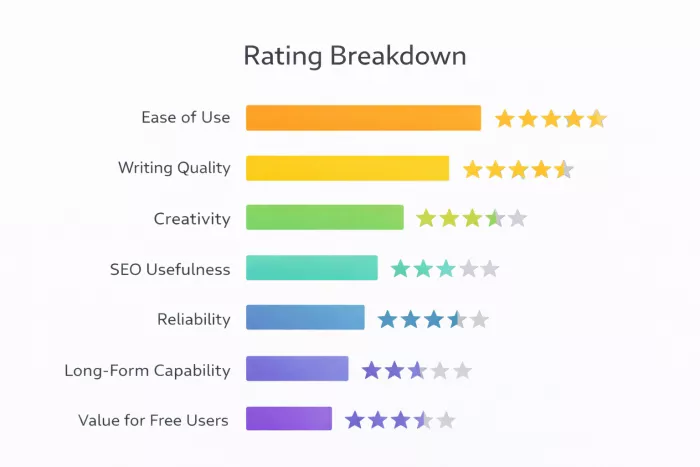
Overall Rating: 3.8 / 5
Breakdown:
Ease of Use: ⭐⭐⭐⭐⭐ (5/5)
Writing Quality: ⭐⭐⭐⭐☆ (4/5)
Creativity: ⭐⭐⭐☆ (3.0/5)
SEO Usefulness: ⭐⭐⭐☆ (3.0/5)
Reliability: ⭐⭐⭐⭐☆ (4/5)
Long-Form Capability: ⭐⭐⭐☆ (3/5)
Value for Free Users: ⭐⭐⭐⭐☆ (4/5)

Let’s start with a small truth about storytelling: writing the first s...
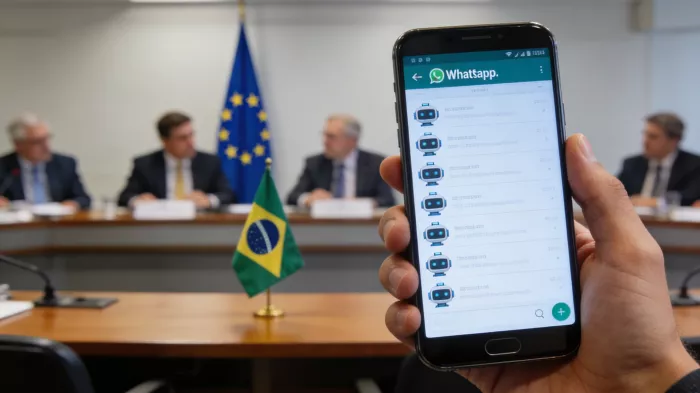
WhatsApp is preparing to allow third-party artificial intelligence cha...
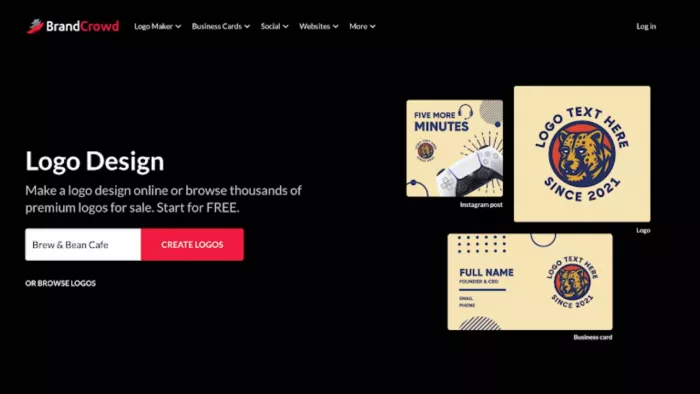
BrandCrowd built its name as a go-to logo tool for small business...
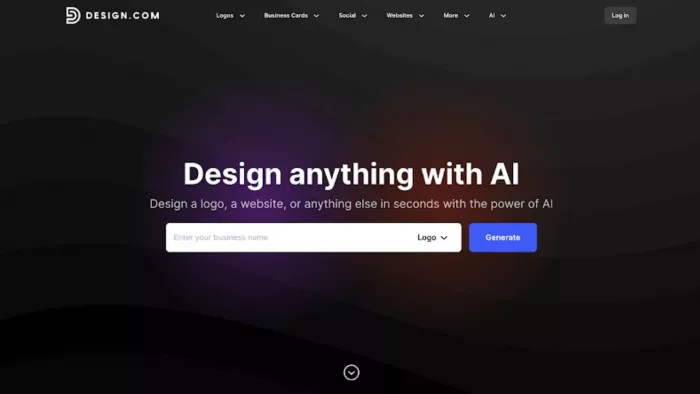
There is a specific kind of disappointment that comes from opening a b...
AI companion apps have moved well beyond novelty status. What started...
Let’s start with an uncomfortable truth. Most people want their photos...
Discussion