


At first, Runway feels like the future.
You type a prompt, generate a video, tweak it slightly, and get something that looks surprisingly usable. It removes the need for cameras, actors, and editing timelines. For many creators, that is enough.
But after a few projects, a pattern starts to appear.
The credits disappear faster than expected. The outputs vary more than you want. And the control you thought you had starts to feel limited once you try to push beyond short clips or simple scenes.
That is when people start looking for alternatives.
Not because Runway is weak, but because no single tool covers every stage of AI video creation.
| Where Runway struggles | What users actually need |
| High credit usage per generation | More cost-efficient tools |
| Short clip limits | Longer, more stable outputs |
| Inconsistent results across prompts | Predictable generation quality |
| Single-model dependency | Multi-model flexibility |
This is important.
You are not replacing Runway. You are filling gaps in your workflow.
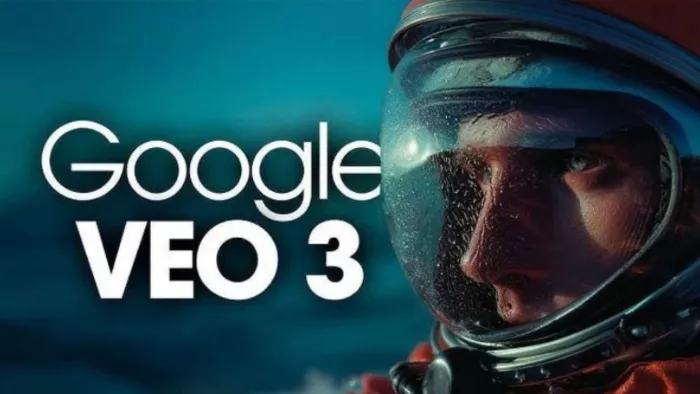
These tools are not trying to be faster than Runway. They are trying to look better.
Kling AI focuses on motion realism and physical consistency. Movements feel less artificial, especially in scenes involving people or environmental dynamics. Veo, developed by Google, emphasizes cinematic composition and longer scene understanding. Sora pushes even further, attempting to simulate real-world physics and narrative continuity.
Compared to Runway, these tools produce outputs that feel closer to actual footage rather than generated clips.
But the tradeoff is accessibility.
Most of these tools are either limited in availability or not fully productized yet. They are powerful, but not always practical for everyday workflows.
| What Actually Improves | What You Trade Off |
| Significantly better realism and motion quality | Limited access or restricted availability |
| More stable scene understanding in longer clips | Slower generation and iteration |
| Outputs feel closer to cinematic footage | Less control for everyday editing workflows |
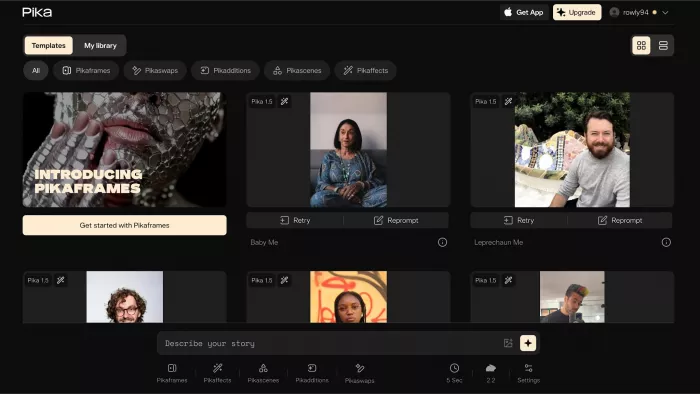
These tools exist for a very specific reason. Runway can get expensive quickly.
Pika offers a more flexible and often more affordable way to generate stylized videos. It focuses on creative motion and visual experimentation rather than strict realism.
Luma AI leans into 3D and scene generation, which makes it useful for certain types of visual storytelling. Haiper is emerging as a lightweight alternative that balances cost and accessibility, offering decent output without heavy credit usage.
Compared to Runway, these tools feel more forgiving. You can experiment more without worrying about burning through credits immediately.
The tradeoff is consistency.
Outputs may look great in one generation and slightly off in the next. These tools are better for exploration than precision.
| What Actually Improves | What You Trade Off |
| Lower cost per generation allows more experimentation | Output quality can vary significantly |
| More accessible entry for creators and small teams | Less predictable results across iterations |
| Good for stylized or experimental content | Not ideal for production-level consistency |

Runway works within its own system. That becomes a limitation when you want options.
Platforms like WaveSpeedAI and Cliprise allow access to multiple models from one interface. Instead of being locked into a single generation style, you can switch models depending on your needs.
This changes how you approach video creation. You are no longer relying on one tool to do everything. You are choosing the best model for each task.
Compared to Runway, this feels more flexible and more technical.
The tradeoff is complexity.
These platforms require more understanding of how models behave. They are less beginner-friendly but far more powerful in experienced hands.
| What Actually Improves | What You Trade Off |
| Access to multiple models in one workflow | Higher learning curve |
| Greater control over output styles and results | Less streamlined user experience |
| Better adaptability for different project types | Requires more decision-making per project |
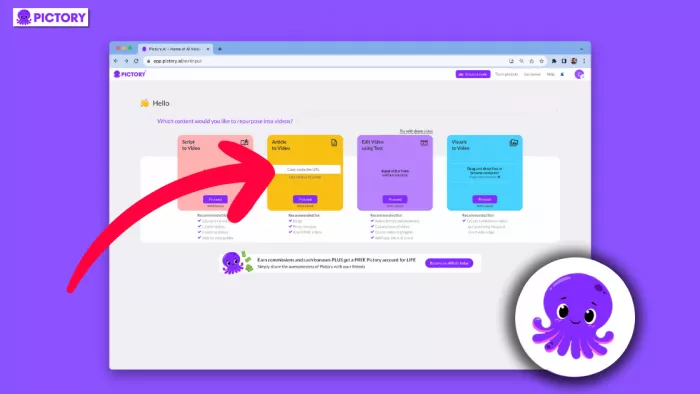

This is where many people overcomplicate things.
If your goal is to create social media content, marketing clips, or repurpose blogs into videos, Runway is often more than you need.
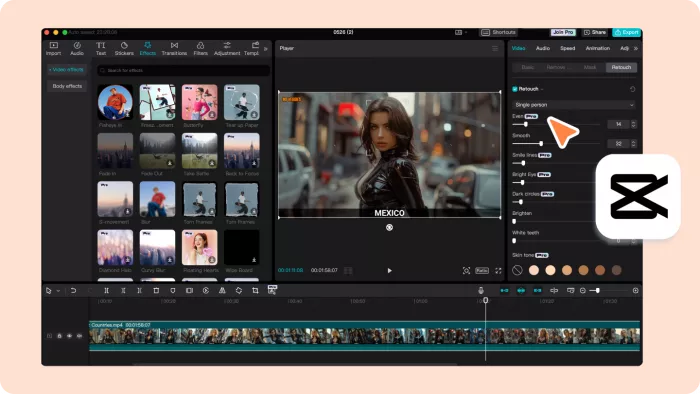
Pictory converts text into structured videos. InVideo AI generates full videos from prompts with built-in templates. CapCut provides a hybrid of editing and AI automation, making it ideal for short-form content.
Compared to Runway, these tools feel practical.
They are not trying to simulate reality. They are trying to produce usable content quickly.
The tradeoff is creative depth.
You gain speed and usability, but lose the ability to generate truly unique visuals.
| What Actually Improves | What You Trade Off |
| Faster content creation for marketing and social media | Limited creative control |
| Structured workflows reduce editing effort | Outputs can feel templated |
| Better suited for non-cinematic use cases | Not designed for high-end visual storytelling |
| Category | Runway | Best Alternative |
| Cinematic realism | Strong | Sora / Veo / Kling |
| Cost efficiency | Moderate | Pika / Haiper |
| Flexibility | Limited | WaveSpeedAI |
| Content automation | Weak | Pictory / InVideo |
| Scalability | Moderate | Multi-model platforms |
Every alternative improves one thing and weakens another.
There is no perfect replacement for Runway.
There are only tools that solve specific problems better.
The first few videos always look impressive.
The real difference shows after repeated use.
The best workflows are not built on one tool. They are built on combinations.
Runway remains one of the most balanced tools in this space.
But balance comes with limitations.
Alternatives exist because creators need more than balance. They need specialization.
If you understand what part of your workflow is breaking, the right alternative becomes obvious.
And once you reach that point, you stop searching for “the best tool” and start building the right stack.

Marketing teams often need images before a product is ready for a phot...

Creating a logo that will grab customers' attention is one of the main...

Enterprise software has a well-known failure mode. The demo goes great...

Most people who produce video at any real scale hit the same wall even...

A cinematic AI video needs more than realistic skin, dramatic lighting...

Have you noticed how difficult it is not to watch spoilers of a sporti...
Discussion