
Every startup needs a brand identity before it needs almost anything else. Before the pitch deck, before the website, before the business cards, there's the logo. And that logo sets the tone for everything that follows. So when founders ask whether to use Design.com or Canva to build their visual identity, the stakes are higher than they might seem.
Both offer AI tools. Both are beginner-friendly. But they are built for fundamentally different jobs. One is a brand-building engine purpose-built for logos and business identity. The other is a versatile content creation platform for social media, marketing, and collaboration. Picking the wrong one can send you back to square one when your "logo" turns out to be non-exclusive, non-customizable, or the wrong file format for your printer.
We compared them head-to-head across six categories. Here's what we found.
| Feature | Design.com | Canva |
| Best for | Brand identity & logos | General graphic design |
| Logo templates | 400K+ exclusive | Limited, non-exclusive |
| Total design templates | 1M+ | 1M+ |
| AI tools for startups | Logo, website, cards, flyers, posters, presentations, background remover | Image gen, Magic Write, background remover, text effects |
| Starting price | $3/mo (billed annually) | Free / $15/mo (Pro) |
| Vector exports (SVG, EPS) | All plans | Pro only |
| Exclusive logo license | Available | None |
| Fonts | 750+ (525+ exclusive) | 3,000+ (shared) |
| Custom vector shapes | 62K+ | Limited |
| Domain registration | Yes | No |
| Printing with free delivery | Yes | No |
| Auto-brand templates | Logo colors inherited | Brand Kit (Pro only) |
| Commercially safe designs | All verified | License varies |
| Trustpilot rating | 4.7 / 5 | Not rated on Trustpilot |
Round-by-Round Battle
Design.com: The world's largest logo library with over 400,000 exclusive templates that are all created by professional designers, vetted for originality, and verified as commercially safe. Every logo is exclusive to Design.com's platform, and extended licenses let you remove a design from the library entirely, giving you sole ownership. The AI logo generator is trained on these proprietary assets, meaning the output is distinctive rather than generic.
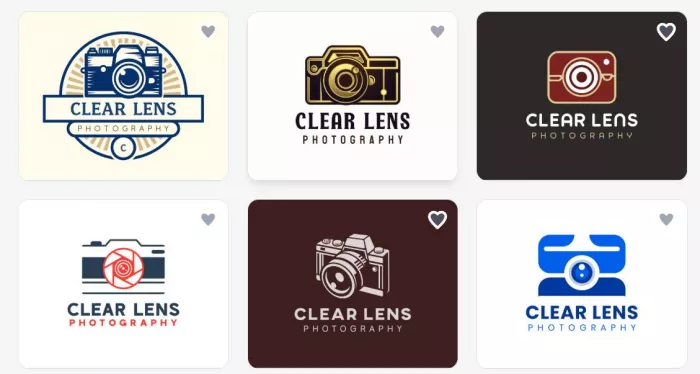
Here’s an example. Let’s say you’re a photographer and you run a studio called Clear Lens Photography. Check out the types of logo designs you can get:
We even tried a few vintage styles:
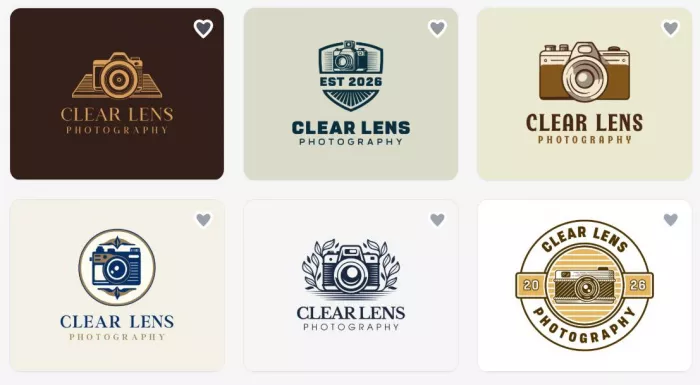
As well as some abstract ones:
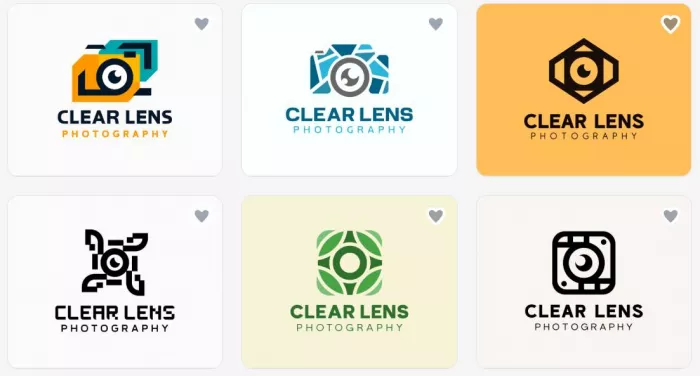
You can even try several other styles like mascot logos, wordmarks, or emblems.
One of the best things about these logos is that they’re ready to go as soon as you generate them. Especially helpful if you have zero design skills or are just building out the idea of your brand identity.
Canva: Canva offers logo templates, but they are not its core product. And it shows. Templates are shared across millions of users worldwide, meaning your "logo" could look identical to a competitor's.
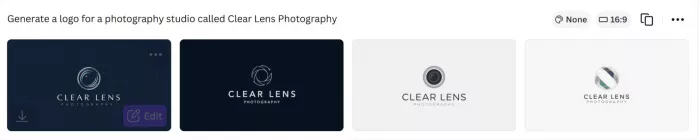
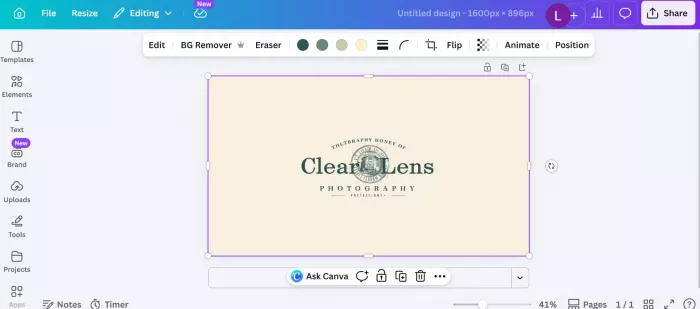
Here’s what we got for Clear Lens Photography:
We also asked for a vintage logo style:

The designs are not half bad; however, they do have a tendency to look too generic. Also, Canva doesn’t offer extended licensing, no exclusivity guarantee, and there’s no mechanism to remove a template from circulation. For a brand that needs to stand out, this is a meaningful risk.
Design.com: Design.com's AI suite is purpose-built for brand creation:
● AI logo generator
● AI website builder
● AI business cards
● AI flyers
● AI posters
● AI presentations
● AI background remover
● AI business name generator
● AI domain name generator
● AI link-in-bio creator
What makes it genuinely powerful is the chat-based logo editing. You describe the change you want, and a custom-trained AI executes it while keeping your design copyright-safe. Auto template branding means your logo's color palette propagates instantly across every design asset you create.
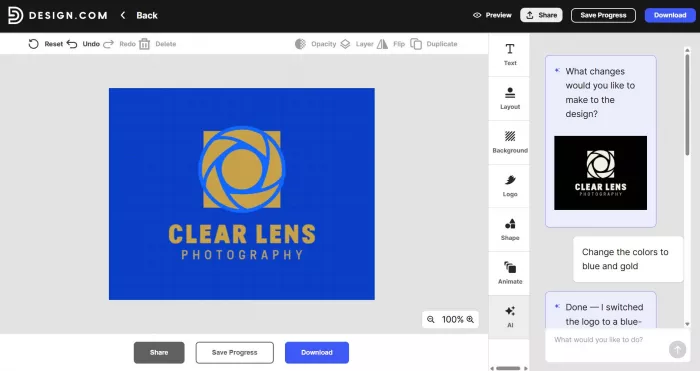
Canva: Canva's AI tools (branded as Magic Studio) are impressive for content generation: AI image creation, Magic Write for copy, background removal, and text-to-image effects. These are excellent tools for social media and marketing teams.
But for a startup building a brand from scratch, Canva's AI doesn't offer the same end-to-end brand identity pipeline, meaning you get pieces, not a cohesive system. And for a founder who doesn’t have design experience, they may find Canva’s editing tools to be not as intuitive as Design.com’s.
Design.com: The platform offers a free plan that include a free logo, free website, free link in bio, and a free digital business card. Paid plans start at $3/month. Every paid plan includes vector file downloads, unlimited logo changes, and the logo is yours to keep forever, regardless of subscription status. The Premium plan at $5/month adds a website builder, Link in Bio, and digital business cards. It offers a complete startup brand stack for less than a coffee.
Canva: Canva's free tier is genuinely generous, offering a broad suite of design tools with no payment required. However, the moment you need professional deliverables such as vector file exports, Brand Kit, premium templates, and background removal, you're looking at Canva Pro at $15/month. For a bootstrap founder who specifically needs logo and brand assets, that premium cost doesn't always justify itself.
Design.com: Every logo downloads in a comprehensive suite of formats: SVG, EPS, PDF (vector); PNG, JPG (raster); and GIF, MP4 (animated). Transparent background and icon-only options are standard. Extended licenses go a step further. It removes your chosen logo from the public library so no other business can use it. This is the kind of protection that matters when you're building a real brand. Note that this feature requires additional payment.
Canva: Canva supports PDF, PNG, and JPG on all plans. SVG export is available on Pro only. There is no EPS support and no animated logo export. Critically, there is no concept of exclusive licensing — a Canva template remains available to anyone regardless of what you pay. For trademarking or professional print work, these limitations matter significantly.
Design.com: Designed from the ground up for non-designers. The AI chat interface means you don't need to know design terminology. All you have to do is just describe what you want. The workflow is logical and guided, walking founders through logo → business card → website in a natural sequence. No design skills required is not a marketing claim here; it's genuinely the experience.
Canva: Canva's drag-and-drop interface is one of the most intuitive design tools ever built. Its enormous user base is a testament to how accessible it is. For pure usability, Canva has years of refinement and a familiar UI that millions trust. Both tools are genuinely easy.
This round ends in a draw, and that's the honest verdict.
Design.com: Beyond design, Design.com bundles an impressive set of startup-critical tools: domain name registration, a free website builder, free digital business cards, Link in Bio creator, QR codes, and a voting poll feature to get team or client feedback on logo options. Physical printing of business cards, mugs, apparel, and mousepads, comes with free delivery. For a startup, this is practically a one-stop brand launch platform.
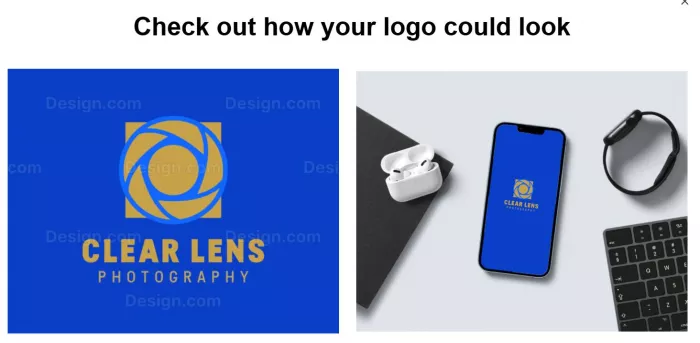
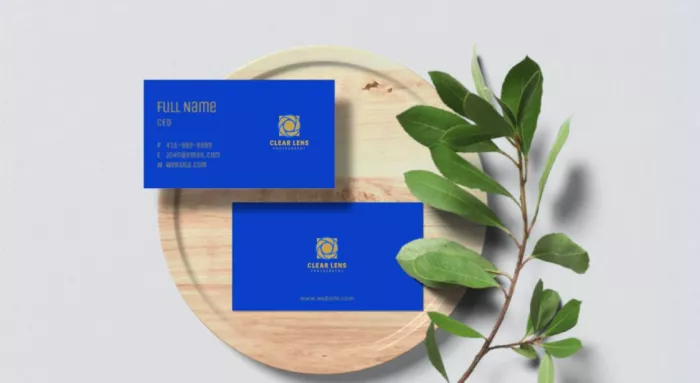
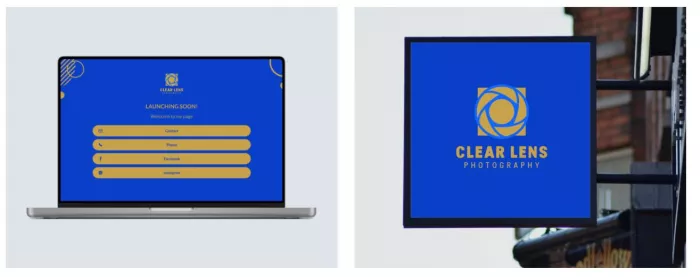
The platform also provides a preview of how your logo could look across several types of media:
Canva: Canva excels at the content side: social media posts, presentations, email headers, and marketing collateral are all handled with aplomb. The Brand Kit (Pro) ensures consistency. But there is no domain registration, no printing service, no QR code builder, and no feedback-gathering tool. Canva is excellent at making things look good; it's less focused on getting those things out into the world.
Design.com is the right choice if you are:
● A founder launching a new brand who needs a professional logo that's exclusively yours
● A startup that wants vector files and full commercial licensing without paying Canva Pro rates
● A business that needs its logo, website, business cards, and social templates to feel cohesive from day one
● A solo founder or small team that wants AI-assisted editing without needing a designer
● Anyone who needs physical printing (business cards, merch) alongside digital brand assets
● Budget-conscious founders who want a complete brand identity for $3–$5/month
Canva is the better choice if you are:
● A content creator or social media manager who produces high volumes of varied marketing graphics
● Part of a team already embedded in Canva's collaborative ecosystem
● A business that already has a logo and needs a versatile tool for ongoing content production
● A user whose primary need is social media templates, not brand identity
● Someone who wants a completely free design tool for casual, non-brand-critical work
| Category | Design.com | Canva |
| Logo creation & exclusivity | ★★★★★ | ★★★ |
| AI tools for brand building | ★★★★★ | ★★★★ |
| Pricing & value | ★★★★★ | ★★★ |
| File formats & licensing | ★★★★★ | ★★★★ |
| Ease of use | ★★★★★ | ★★★★★ |
| Full brand suite & tools | ★★★★★ | ★★★ |
| Overall | 4.8 / 5 | 3.7 / 5 |
Based on our criteria, we declare Design.com the overall winner for the best AI design tools for startup founders.
Is Design.com better than Canva for logos? Yes, meaningfully so. Design.com's 400,000+ exclusive logo templates, proprietary AI editing, extended licensing, and full vector file support make it the clear choice for anyone whose primary goal is a professional, distinctive logo. Canva's logo templates are non-exclusive and lack the depth of a platform built specifically for brand identity.
Can I use Design.com for free? Yes. Design.com offers a genuinely free tier that includes logo creation, a free website builder, a Link in Bio tool, and a digital business card, all publishable at no cost. Access to 50+ design tools is also included on the free plan, though downloading those designs requires a premium subscription starting at $3/month.
Does Canva offer vector file downloads? SVG export is available on Canva Pro ($15/month) but not on the free plan. EPS format — standard in professional print and branding — is not available on Canva at any tier. Design.com provides SVG, EPS, and PDF vector formats across all paid plans and its free tier.
Which is cheaper — Design.com or Canva? Design.com is significantly cheaper for brand-building purposes. At $3/month billed annually, it includes vector exports and full logo ownership. These are features that require Canva's $15/month Pro plan. For a startup focused on brand identity rather than general content production, Design.com delivers more for less.
Can Design.com replace Canva entirely for a startup? For most early-stage startups, yes. Design.com covers logos, websites, business cards, social posts, presentations, flyers, posters, and QR codes — the full surface area of a brand launch. Where Canva retains an edge is in high-volume social media content production and team collaboration workflows. If content marketing is your primary focus, you may eventually want both; but Design.com should come first.
Canva is one of the most useful design tools ever made. There is no honest comparison that pretends otherwise. But useful for general design work is different from ideal for building a startup brand. When the question is which tool best serves a founder who needs a logo, a visual identity, and the assets to bring both to life, Design.com is the clear answer.
At $3/month, with 400,000+ exclusive templates, proprietary AI editing, vector-format downloads, domain registration, and physical printing — all bundled in a platform rated 4.7 stars by thousands of real customers — Design.com isn't just competitive. It's the best tool a startup can use to go from idea to brand in hours, not weeks. Don’t just take our word for it. Site like DesignRush often have Design.com dominating the logo maker industry.
If your brand is important, Design.com is where it should begin.

Marketing teams often need images before a product is ready for a phot...

Creating a logo that will grab customers' attention is one of the main...

Enterprise software has a well-known failure mode. The demo goes great...

Most people who produce video at any real scale hit the same wall even...

A cinematic AI video needs more than realistic skin, dramatic lighting...

Have you noticed how difficult it is not to watch spoilers of a sporti...


Discussion