

| Tool | Primary Function | AI Capability | Pricing | Ease of Use | Best For |
| Notion | Knowledge management | AI writing, summarization, database insights | Free, Plus $10/user/month | Medium | Structured notes and systems |
| ClickUp | Task and project management | AI task summaries, docs, automation | Free, Unlimited $7/user/month | Medium | Team workflows and projects |
| Otter.ai | Meeting transcription | Real-time transcription, summaries | Free, Pro $16.99/month | Very High | Meetings and calls |
| Zapier | Automation | AI workflow builder, task automation | Free, Starter $19.99/month | Medium | Connecting apps and automating work |
| ChatGPT | Thinking and creation | Content generation, reasoning, summarization | Free, Plus $20/month | Very High | Writing, ideation, problem-solving |
ClickUp is designed to centralize tasks, deadlines, and team workflows into a single system. Its strength lies in combining task tracking, documentation, and automation into one interface.
It allows teams to break projects into structured workflows with dependencies, priorities, and timelines. The AI layer adds value by summarizing tasks, generating updates, and reducing manual documentation work. This becomes important when managing multiple projects simultaneously. (clickup.com)
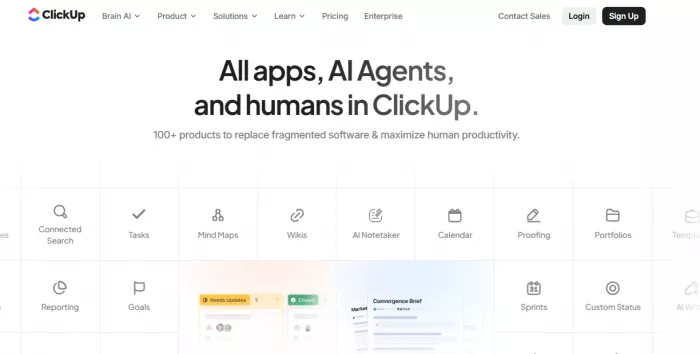
Where it performs best is visibility. Teams can track progress across tasks, identify bottlenecks, and adjust priorities quickly. This directly impacts execution speed.
However, ClickUp struggles with complexity. The platform offers a large number of features, which can slow down onboarding and create friction for smaller teams or individuals who need simplicity.
Pricing: Free plan available, Unlimited plan at $7/user/month
Ratings: G2 ~4.7, Capterra ~4.6
Best for: Teams managing structured projects and workflows
Notion functions as a central knowledge system where information is stored, structured, and retrieved. Unlike basic note apps, it supports databases, linked content, and customizable workflows. (notion.com)
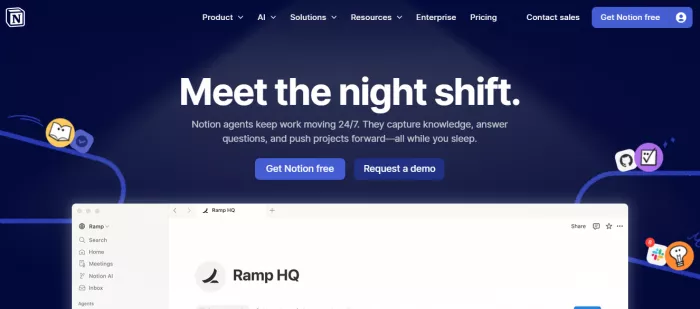
Its AI capabilities focus on summarization, rewriting, and organizing content. This reduces the time required to clean up notes or extract key insights from large documents.
The real advantage is structure. Notes are not isolated. They can be connected across projects, documents, and systems, making retrieval easier. This is critical for long-term productivity where information reuse matters.
The limitation is speed. Notion can feel slower compared to lightweight note apps, especially when handling large databases or complex pages.
Pricing: Free plan, Plus at $10/user/month
Ratings: G2 ~4.7, Capterra ~4.7
Best for: Knowledge systems, documentation, structured thinking
Otter.ai focuses on capturing conversations and turning them into usable text. It records meetings, transcribes speech in real time, and generates summaries. (otter. ai)
This removes the need for manual note-taking during meetings. Instead of splitting attention between listening and writing, users can focus entirely on the discussion.
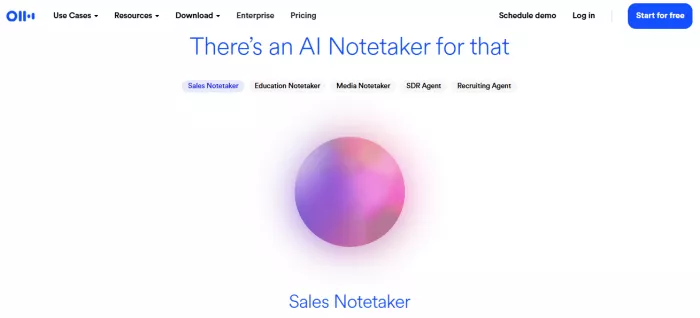
The tool also allows searching across transcripts, making it easier to retrieve specific information later. This improves accountability and reduces missed details in conversations.
The main limitation is the accuracy variability. Transcription quality can drop with accents, background noise, or multiple speakers.
Pricing: Free plan, Pro at $16.99/month
Ratings: G2 ~4.3, Capterra ~4.4
Best for: Meetings, interviews, recorded discussions
Zapier connects different apps and automates repetitive tasks without coding. It allows users to create workflows where one action triggers another, such as saving leads, sending emails, or updating databases. (zapier. com)
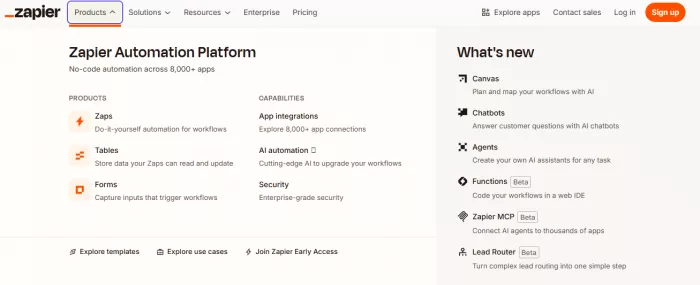
Its AI features simplify workflow creation by suggesting automation logic based on user input. This reduces the complexity of building integrations manually.
The main benefit is time savings. Tasks that would take hours weekly can be automated into background processes. This is particularly useful for operations, marketing, and data handling.
The limitation is cost scaling. As usage increases, pricing rises based on the number of tasks executed, which can become expensive for high-volume workflows.
Pricing: Free plan, Starter at $19.99/month
Ratings: G2 ~4.5, Capterra ~4.7
Best for: Automation across tools and systems
ChatGPT operates as a thinking and execution layer for knowledge work. It helps generate ideas, write content, summarize information, and structure thoughts. (chatgpt. com)
Its main advantage is speed. Tasks such as drafting emails, creating outlines, or brainstorming ideas can be completed in seconds. This reduces cognitive load and accelerates output.
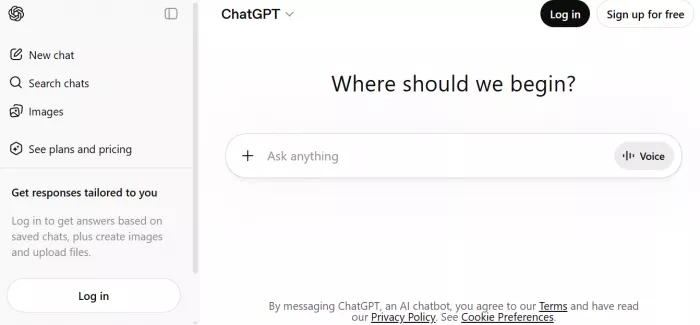
It also adapts to different contexts, whether writing, analysis, or problem-solving. This makes it a flexible tool across multiple workflows rather than a single-purpose application.
The limitation is accuracy. Outputs require validation, especially when dealing with factual or critical information.
Pricing: Free plan, Plus at $20/month
Ratings: Widely adopted, no standard single rating
Best for: Writing, ideation, decision support
| If you want to | Tool to use | Why |
| Manage tasks and projects efficiently | ClickUp | Centralizes workflows, tracks progress, and organizes tasks |
| Build a structured knowledge system | Notion | Connects notes, databases, and documents for easy retrieval |
| Capture and review meetings | Otter.ai | Transcribes conversations and creates searchable records |
| Automate repetitive work | Zapier | Connects apps and removes manual processes |
| Generate ideas and content faster | ChatGPT | Speeds up thinking, writing, and problem-solving |
The most effective productivity stack combines ClickUp for execution, Notion for knowledge, Zapier for automation, and ChatGPT for thinking support.
For a minimal setup, Notion and ChatGPT are sufficient to handle most individual workflows without added complexity.
AI tools improve productivity only when they reduce friction. If the workflow itself is unclear, adding more tools will only increase confusion.

Marketing teams often need images before a product is ready for a phot...

Creating a logo that will grab customers' attention is one of the main...

Enterprise software has a well-known failure mode. The demo goes great...

Most people who produce video at any real scale hit the same wall even...

A cinematic AI video needs more than realistic skin, dramatic lighting...

Have you noticed how difficult it is not to watch spoilers of a sporti...
Discussion