

Creating a logo that will grab customers' attention is one of the main goals of each brand.
Traditionally, making an attractive logo required a lot of time, editing, and resources. However, modern AI tools have taken logo making to a new level. Now, we can describe the logo design we are aiming for and receive it in a matter of seconds. What's more, we can edit the logo the way we like, add any details, or get rid of some to receive the most personalised result.
Keep reading the article to learn more about the best logo makers, see what they can offer, and choose the one to create the best logo maker for your case.
| Logo Maker | Key Advantage | Best For | Does the Logo Maker Have a Free Tier? | Trustpilot Reviews |
| Design.com | Over 1 million design templates, 100% ownership of your logos, and extended licensing that allows users to have exclusive use of their logo design. | Small and medium-sized businesses, individuals who look for quick and high-quality logo design | Yes, no watermark | ⭐4.7/5 |
| BrandCrowd.com | Advanced AI integration, more than 9K Trustpilot reviews | Non-designers, people who need a fast and budget-friendly logo | Yes | ⭐4.8/5 |
| Logo.com | All-in-one branding tool | Small businesses | Yes | ⭐4.6 /5
|
| Logobean | Quick to generate logos | People without design experience | Limited | Not listed |
| Logomakerr.ai | 100% customizable | Non-designers, small businesses | No | ⭐4.0 /5
|
The same test brief was used across all the logo makers. Firstly, we identified some of the key advantages that each logo maker provides.
Later, we moved to testing the tool by creating our own logo. To be impartial, we gave the same brand name and instructions to each logo maker. We wanted to create a logo for a coffee brand named “Coffee Shop Factory.” If the logo maker allowed us to add keywords, we added the following: “coffee, cafe.”
Later, we paid attention to the following facts:
And now let’s view the test results starting from our most favorite tool to the least favorite one.
Design.com is a leading logo maker in the world. More than 3K reviews on TrustPilot claim its high quality and ease of use. The tool offers advanced customisation and hundreds of logo templates for every industry and field.
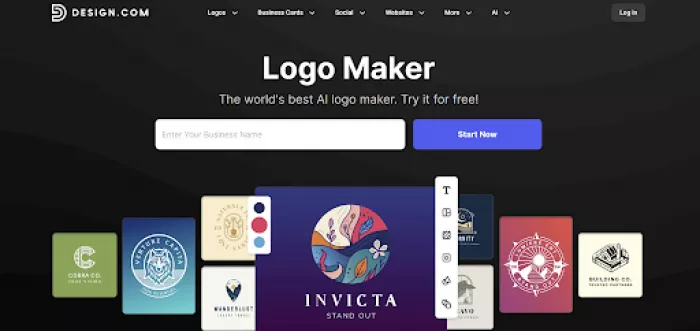
Now let’s test the platform and find out why it is our first choice.
For generating logos, the only thing we need to do is add the business name and any keywords we have.
Logo designs appear immediately, and the number of templates and diverse designs we could choose from surprised us. This is one of the first advantages since it allows businesses to have access to different designs to create the logo that is closest to their objective.
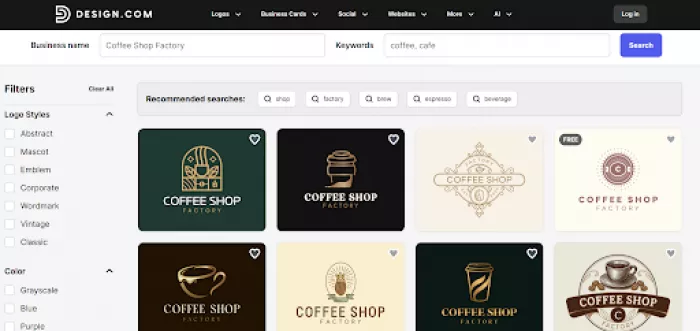
For customisation, we simply need to choose the logo we like the most and move to the editing section.
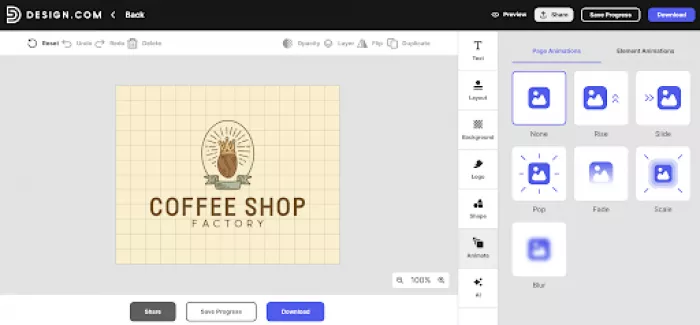
On the logos, we can change the text and font, layout design, logo colors, background colors, add any shape that comes to our mind, and even add animation to the logo to instantly grab the customers’ attention.
What’s more, we can ask AI about additional changes we aim to make, and it will create those changes in a few seconds.
Another important thing that is worth mentioning is that editing is super simple; it is like one of the most creative processes. You simply choose the design elements you like and see them instantly appearing on the canvas.
The creation speed is, of course, important, but if you ask us, the most important part is the quality of the logo. So, let’s stop here and take a good look at the logo elements.
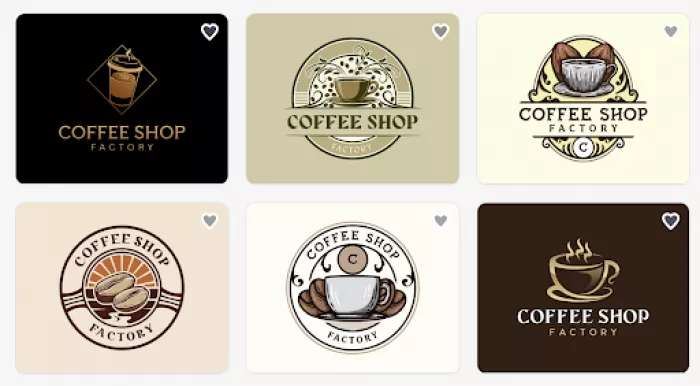
The first thing that grabs attention is the modern design of the logos. They look as if professional designers were working to create the logos and not AI.
Coloring is another essential part; all of the colors match the field we are creating for. Each logo includes different color tones and shades, specific highlights, and color gradients that make the logo unique.
Another essential part is that by looking at each logo, we immediately understand the field they are created for, which is essential since it needs to stay memorable for the users.
Overall, with its high-quality results, diverse customisation options, ease of use, and access to thousands of templates, Design.com firmly gains the #1 place in our ranking
BrandCrowd is another high-quality logo maker that uses enhanced AI integration to provide quick and interesting logo designs. The tool is easy to use even for those without any design experience and offers quick editing to make the logo design personalised.
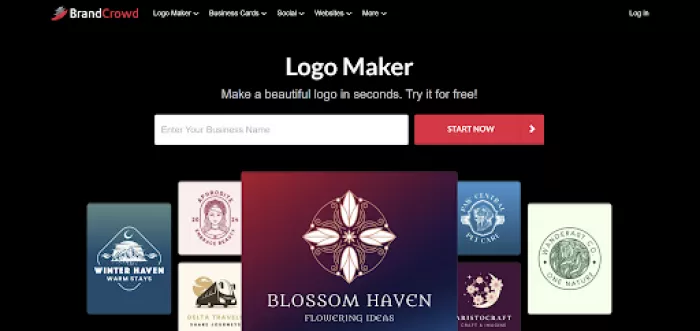
To better understand the tool, we need to start by testing it.
To create a logo, we need to add the brand name and the keyword, as in the case of the previous logo maker. The tool does not make us wait long and immediately shows thousands of logo designs for any case and need.
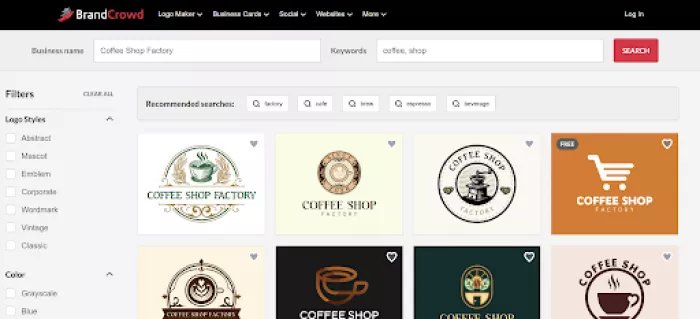
All the logos are unique in their own way; we can choose the one which we like the most and start making it even more specific to our brand.
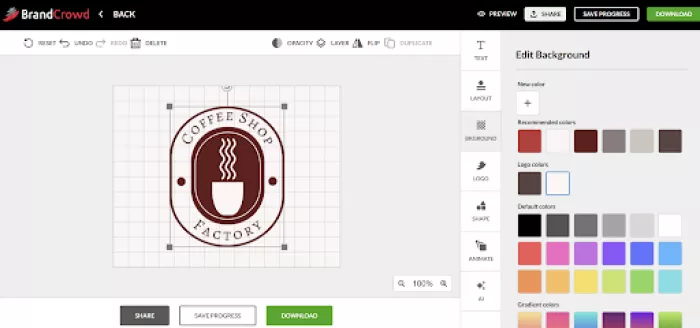
Customisation is rather simple: choose the element you like and see it appear on you logo. From the editing options, the tool is quite similar to Design.com’s one since we can change the layout, text, colors, animate the logo, and use AI to alter it in the way we like the most.
The tool offers high-quality logos, so we can immediately understand what brand it is and what services it provides.
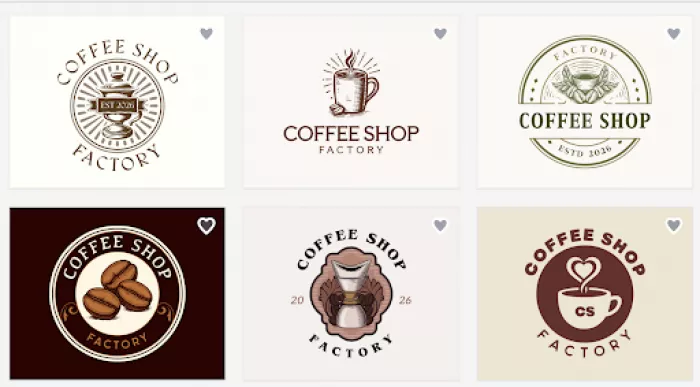
The colors are unique, and the design elements are interesting enough to look at and modern. Here again, we can see that the logos are not simply created by AI but that designers were integrated into the creation process.
BrandCrowd is another tool providing high-quality logo designs, unique elements, and becoming a great choice for users who are aiming for quick and unique logo design.
Logo.com offers a fast and AI-powered logo maker that helps to create logos with any design without even needing to have design experience.
Creating a logo on Logo.com starts with entering a business name. After that, we start choosing the industry we are aiming for, entering a slogan if available, choosing relevant symbols, selecting colors, and what we are creating a logo for.
This is slightly longer than in the case of the previous ones, but let’s see if the detailed process is worth it.
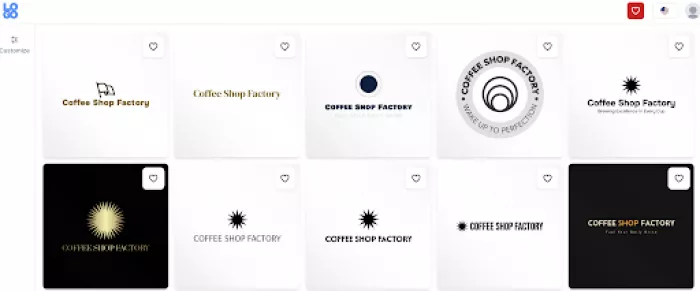
As we can see, although we tried to personalise the logo with the help of the tools, the results are not what we expected. The good thing is that there are different designs to choose from.
But now let’s review the editing options.
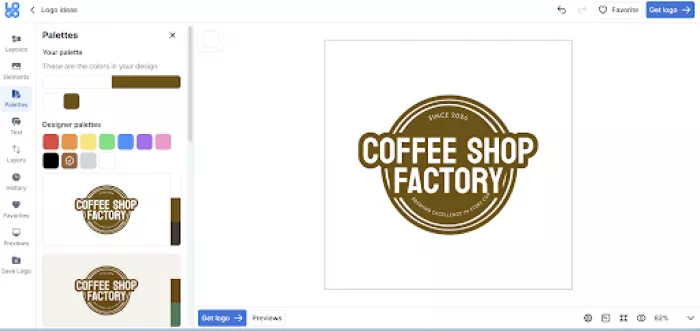
In this logo maker, we can change the logo elements, layout, colors, fonts, and add them to the list of our favorites.
The quality of the logos is not as good as it was in the case of the previous ones. The worst part is that logos do not have anything to do with the field and business we were creating them for.
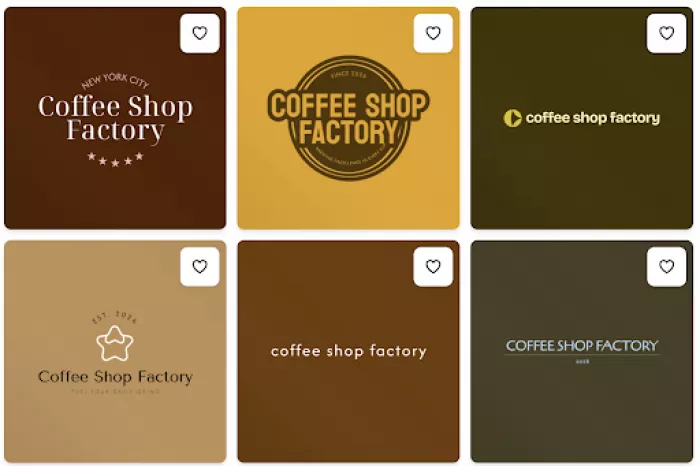
Logos have interesting coloring, but most of them focus on font diversity. We do not see any unique details that can make the brand stand out among competitors.
LogoBean is a logo maker that has a built-in AI that helps to quickly generate logo designs and start creating your branding elements.
Logo creation here starts the same: enter the brand name and wait for the result. Logo designs appear immediately, which is a good aspect.
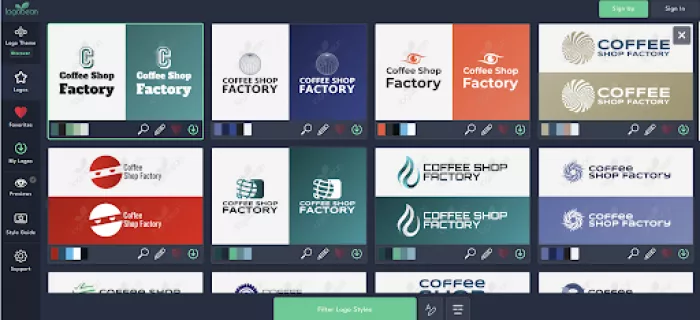
There are different designs to choose from, but it is limited compared to the previous logo makers. Let’s find out what editing options it provides.
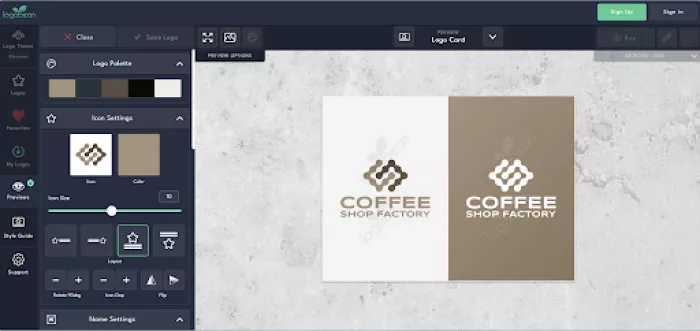
Editing is rather simple. We can change the color, icons, size of the logo, layout, and add the logo to our favorite list.
The quality of the logos is debatable. They have interesting coloring and details that can make them unique, but the quality is not the best among these logo makers.
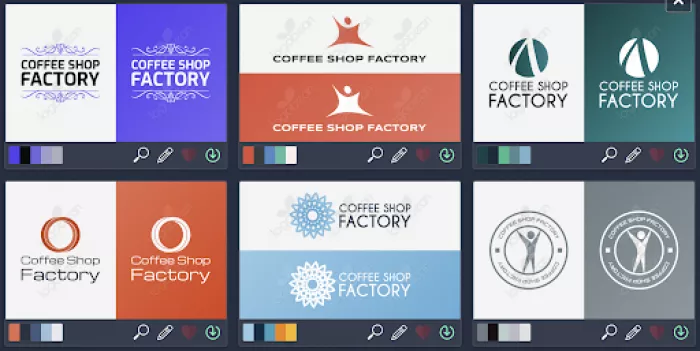
Although the tool has diverse designs, they do not remind anything about the field, and it makes it difficult since during customisation we might not find the elements we are looking for.
Logomakerr.ai is another AI-powered tool allowing small businesses to create logos in minutes. It offers a user-friendly and fast logo creation.
We start creation by entering a name. Later, we choose the field, font style, color palette, and wait till the logos are generated.
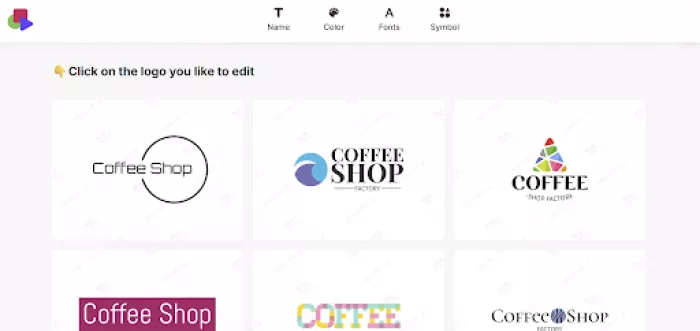
Generation was quick, but there were limited options to choose from.
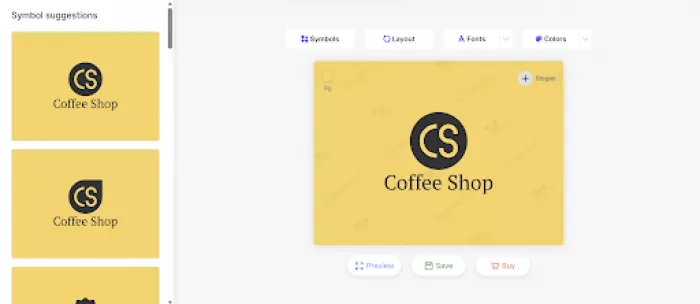
Editing was simple: we could change the layout, font style, colors, and add any symbols we think might suit the logo.
The quality of the logos was not the best.
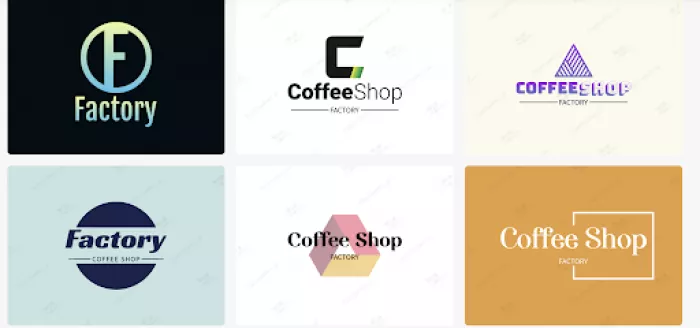
Sadly, the logos had nothing to do with the chosen field, so they will not remind anyone of the coffee shop. Colors were different; we could even see a color gradient. However, the design of the logos was old-fashioned, and it would be hard to stand out with this kind of logo design.
By testing all the logo makers and viewing their key advantages becomes clear that some of them offer more flexibility and better customisation options than others. All of them were easy and rather fast to use, but not all of them provided the same quality design.
On Design.com, which was highlighted as our first choice, we found a huge template library and high-quality logo designs that seemed like professional designers created them.
This is our take; now it is your time to choose the logo maker you like the most and start creating your unique logo design.
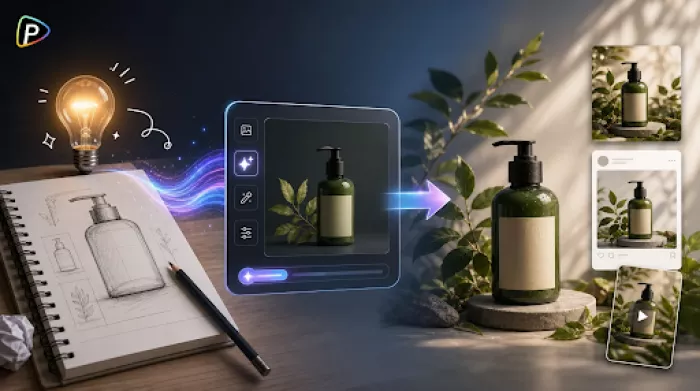
Marketing teams often need images before a product is ready for a phot...

Enterprise software has a well-known failure mode. The demo goes great...

Most people who produce video at any real scale hit the same wall even...
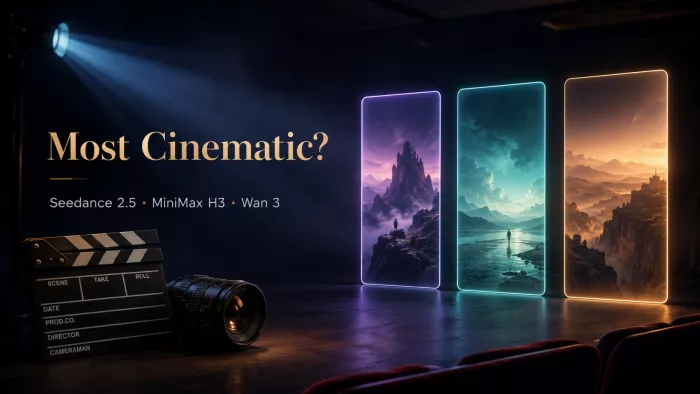
A cinematic AI video needs more than realistic skin, dramatic lighting...

Have you noticed how difficult it is not to watch spoilers of a sporti...
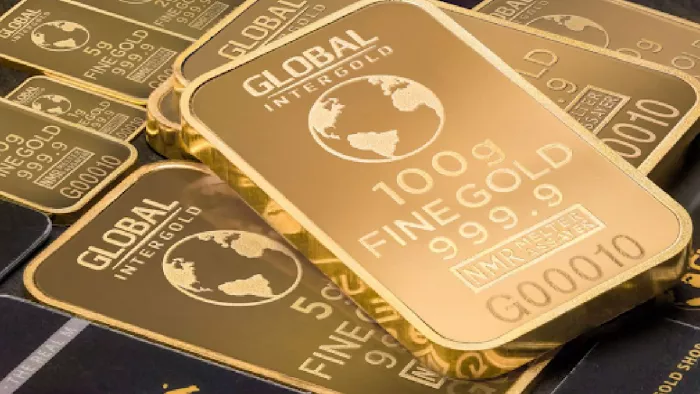
Most investors building around AI stocks are chasing growth, and that...
Discussion