

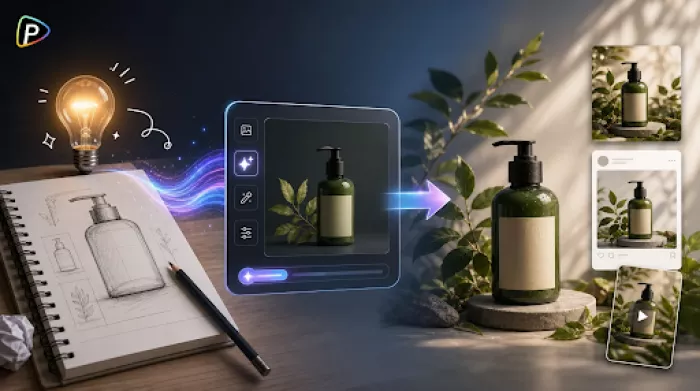
Marketing teams often need images before a product is ready for a photoshoot. A new product may exist only as a sketch, prototype, or written idea, but there is still a need for visuals for a presentation, landing page, or social media campaign. An AI image generator offers a practical way to explore ideas early, making it easier to compare concepts before spending time and money on final creative assets.
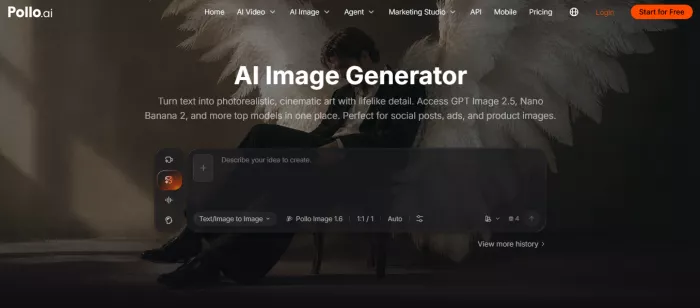
Product marketing rarely involves creating just one image. A single campaign may need website banners, social media graphics, presentation slides, product mockups, and online ads. Since each asset has different visual requirements, teams often need to explore several creative directions before deciding what works best.
Pollo AI's AI image generator supports this workflow by bringing together multiple image models in one place, including Pollo Image 2.0, GPT Image, Google Imagen, Recraft, Ideogram, FLUX, and Stable Diffusion. Instead of being limited to a single model, users can choose the one that best fits the type of image they need.
Different models are suited to different tasks. For example, GPT Image and Imagen generally work well for realistic product and lifestyle images, Recraft is often a good choice for packaging graphics or brand assets, while Ideogram is useful for designs that include readable text. Starting with a model that matches the project usually leads to better results than switching models after every generation.
Another practical advantage is that Pollo AI's AI image generator supports both text-to-image and image-to-image workflows. A project can start from a written description or an existing image, making it easier to create variations for different marketing channels while keeping the overall visual style consistent. For example, the same product image can be adapted for a website banner, a social media post, and a presentation without rebuilding the design from scratch.
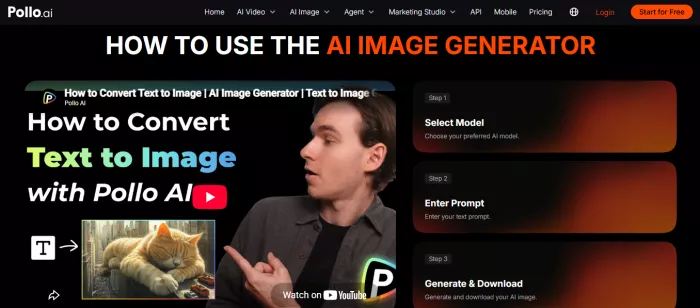
Before opening the image generator, decide where the final image will appear.
A website banner, a product page, and an Instagram post all need different layouts. Creating an image with the final platform in mind helps avoid unnecessary editing later. The same planning principle also applies when using tools such as DeepAI video generator for video content, since different platforms often require different formats and compositions. It also makes it easier to judge whether the composition leaves enough room for headlines, buttons, or other design elements.
After deciding on the purpose, select a model that matches it instead of picking one at random.
For realistic product presentations, GPT Image or Imagen are reasonable starting points. Recraft is useful for cleaner graphic-style designs, while Ideogram performs better when readable text is part of the image. If the first result isn't ideal, it's often worth refining the prompt before switching to another model.
Many beginners assume that longer prompts produce better images, but that isn't always true.
Start by describing the product itself—its material, color, shape, and finish—then add the setting and lighting. A prompt with one clear subject and one clear scene is usually easier for the model to interpret than one packed with marketing buzzwords or conflicting instructions.
The first image is rarely perfect, but it doesn't need to be.
If the overall composition works, small adjustments are often enough. Changing the background, camera angle, or lighting with image-to-image editing is usually quicker than starting over. It also helps keep multiple campaign images visually consistent.
AI-generated images are useful for developing ideas, but they don't remove the need for review. Product details, logos, labels, and text may not always be accurate, so images should be checked before they're used in customer-facing materials.
It's also worth remembering that AI works best with clear instructions, not perfect ones. Instead of trying to describe every detail in a single prompt, many users get better results by making a few small adjustments over several rounds.
An AI image generator is most valuable during the early stages of product marketing, when ideas are still being tested and refined. Choosing the right model, keeping prompts focused, and improving a good result instead of starting over can make the process smoother. By offering multiple image models and both text-to-image and image-to-image workflows in one place, Pollo AI gives users the flexibility to compare different approaches and find what works best for each project, rather than relying on a single model for every task.
Creating a logo that will grab customers' attention is one of the main...
Enterprise software has a well-known failure mode. The demo goes great...
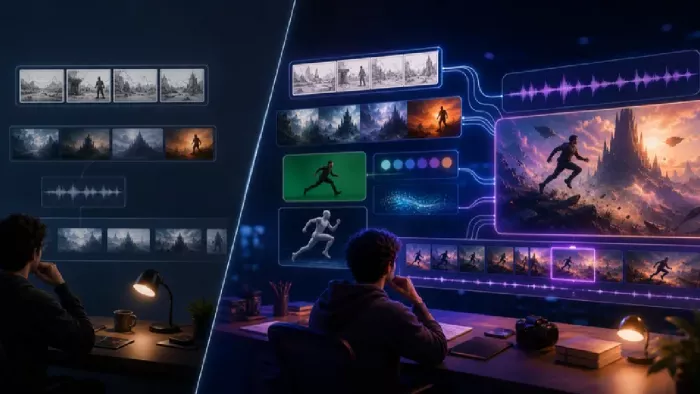
Most people who produce video at any real scale hit the same wall even...
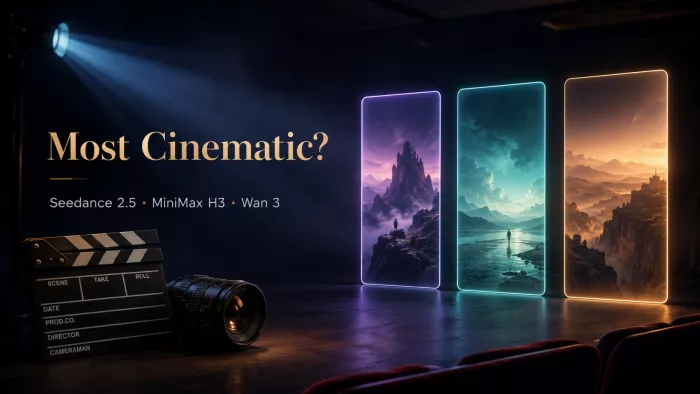
A cinematic AI video needs more than realistic skin, dramatic lighting...
Have you noticed how difficult it is not to watch spoilers of a sporti...
Most investors building around AI stocks are chasing growth, and that...
Discussion