

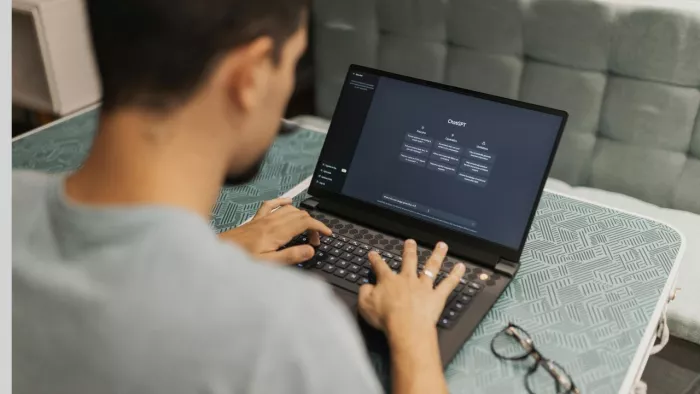
Tools like Otter.ai and Fireflies.ai are built to capture conversations in real time. They provide automatic transcription, speaker identification, and searchable records immediately after the meeting ends. This reduces dependency on manual notes and ensures that the full conversation is preserved.
Otter.ai performs well in structured environments such as team meetings and interviews. It integrates with platforms like Zoom and Google Meet, making it easy to deploy. Fireflies.ai extends this by offering better integrations with CRMs and collaboration tools, allowing meeting data to flow into broader workflows.
However, both tools have limitations. Accuracy drops in noisy environments, with overlapping speakers, or with strong accents. Speaker identification is not always reliable, and transcripts often require manual cleanup for critical use cases.
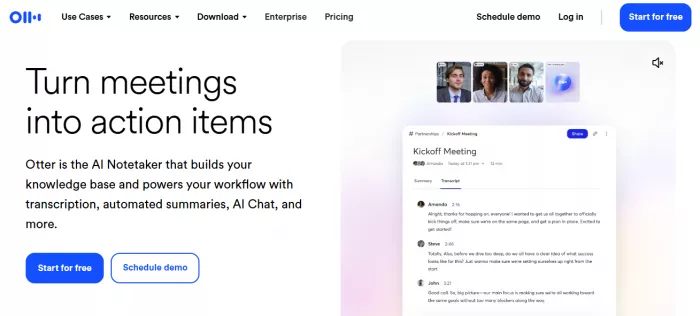
Pricing: Free plan available, Pro at $16.99 per month
Ratings: G2 4.4, Capterra 4.5
Best for: Real-time transcription and searchable meeting records (Otter.ai)
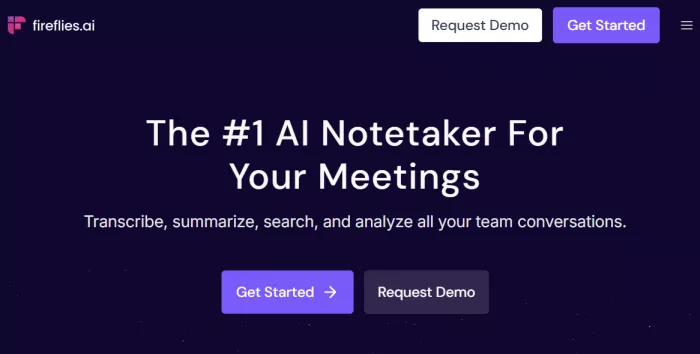
Pricing: Free plan available, Pro around $18 per seat per month
Ratings: G2 4.8, Capterra 4.6
Best for: Transcription with workflow integrations (Fireflies.ai)
Raw transcripts are rarely useful on their own. A one-hour meeting transcript can easily exceed 8,000 to 10,000 words, making it impractical to review. The real need is to extract meaning from that volume.
Tools like Notion AI and Sembly AI focus on this stage. They transform transcripts into summaries, highlight key points, and identify decisions and action items. This reduces the cognitive load required to revisit meetings and helps teams quickly understand what actually happened.
Notion AI works well when meeting notes are already stored within a structured workspace. It can summarize discussions, generate action points, and integrate insights directly into project documentation. Sembly AI is more specialized, offering automated meeting summaries, decision tracking, and categorized insights.
The limitation is context. AI summaries often miss nuance, especially in complex discussions where tone, intent, or implicit decisions matter. Important details can be oversimplified or omitted, requiring human validation.
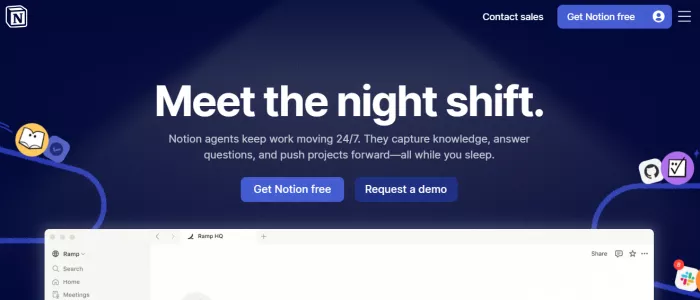
Pricing: Add-on around $8 per user per month
Ratings: Part of Notion ecosystem, G2 4.7 overall
Best for: Summarizing and structuring meeting notes within workflows (notion.com)
Pricing: Free tier available, paid plans start around $10 per month
Ratings: G2 4.7
Best for: Automated summaries and decision tracking (sembly.ai)
Tools like ClickUp and Zapier extend meeting notes into actionable workflows. ClickUp allows teams to convert notes into tasks, assign responsibilities, set deadlines, and track progress within a centralized system. Zapier automates this process by connecting meeting tools with task managers, CRMs, and communication platforms.
This stage is where real value is created. A meeting that leads to clear tasks and tracked outcomes is productive. One that ends with notes alone is not.
Automation helps reduce manual effort, but it requires structured input. If action items are not clearly defined, no tool can create meaningful workflows.
Pricing: Free plan available, paid plans start at $7 per user per month
Ratings: G2 4.7, Capterra 4.6
Best for: Converting meeting notes into tasks and workflows (clickup.com)
Pricing: Free tier available, paid plans start around $19.99 per month
Ratings: G2 4.5, Capterra 4.7
Best for: Automating workflows between meeting tools and apps (zapier.com)
Meeting workflows are multi-layered. Capturing, summarizing, and executing are distinct problems. Most tools specialize in one of these stages. Transcription tools capture well but do not create structure. AI summarizers reduce effort but lose nuance. Workflow tools enable execution but depend on structured input.
“All-in-one” tools attempt to cover everything but often compromise on quality in at least one layer. The most effective setups combine tools across stages, aligning them with how meetings actually function rather than forcing a single tool to handle everything.
| Stage | What Actually Happens | Core Problem | Best-Fit Tools | What They Solve Well | Where They Break | Typical Cost Range |
| Capture (During Meeting) | Conversations, discussions, decisions happening in real time | People miss details while speaking or listening | Otter.ai, Fireflies.ai | Live transcription, speaker detection, searchable records | Accuracy drops with noise, accents, overlapping speakers | Free – $18/month |
| Understand (After Meeting) | Reviewing what was said and extracting meaning | Raw transcripts are too long and unusable | Notion AI, Sembly AI | Summaries, highlights, decision extraction, reduced review time | Loss of nuance, context gaps, requires manual validation | $0 – $10/month (+ add-ons) |
| Execute (Post-Meeting) | Turning discussions into tasks and follow-ups | Notes do not translate into action | ClickUp, Zapier | Task creation, assignment, workflow automation, integrations | Depends on structured input, weak if action items are unclear | $0 – $20/month |
The right setup depends on how meetings function within your workflow. For simple internal discussions, basic recording and transcription may be enough. For client calls or high-stakes meetings, structured summaries and action tracking become critical. For teams managing multiple projects, integration with task management tools is essential.
AI tools are valuable when they reduce friction in capturing, understanding, or executing. They are unnecessary when meetings are small, infrequent, or already structured. The goal is not to automate everything. It is to ensure that what happens in meetings actually leads to outcomes.

Marketing teams often need images before a product is ready for a phot...

Creating a logo that will grab customers' attention is one of the main...

Enterprise software has a well-known failure mode. The demo goes great...

Most people who produce video at any real scale hit the same wall even...

A cinematic AI video needs more than realistic skin, dramatic lighting...

Have you noticed how difficult it is not to watch spoilers of a sporti...
Discussion