
Whether its the logo, Facebook post, website, product photos, or video content, design plays a huge role on how a startup is perceived. High-quality and professional visuals that are 100% tailored to your brand identity can make your startup look great, while generic or shabby visuals can make your startup feel amateurish.
Of course, achieving professional visuals is anything but easy. You either need superb design skills on your own or hire a team of professional designers. But as a startup, you probably have limited budget, time, or resources. Does this mean you are doomed to bland visuals forever?
Not anymore. With the rise of AI design tools, startups can now generate AI logo, marketing visuals, and even human-like presenters in minutes. And these tools don’t just speed things up– they simplify the entire process, handling repetitive design tasks while remaining accessible to non-designers.
So which AI design tools should startups actually be using today? Below are some of the best tools that can help you build your brand, create content, and scale your visual presence efficiently.
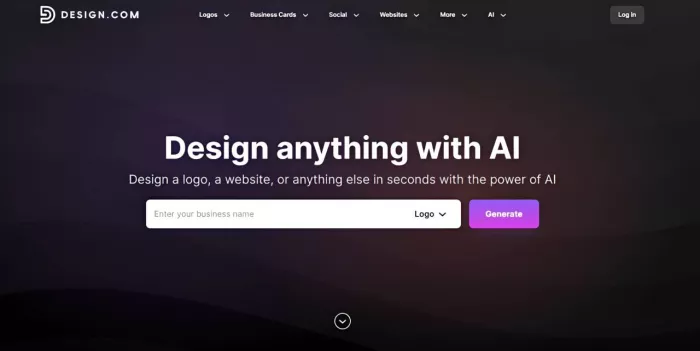
Your logo is often the first major design hurdle for startups. After all, it isn’t just a random pretty graphic – it's the foundation of your brand identity and your main identifier across websites, social media, and product packaging.
Design.com’s AI Logo Generator is built to help you create professional logos quickly and effectively. Users just need to input their business name and a few keywords, and within seconds you’ll get a wide range of logo concepts tailored to your inputs. From there you can download immediately, customize further to fit your creative vision, or create a full brand kit from your logo design.
Why It’s Perfect for Startups
● Instead of generic templates, the AI creates logos based on contextual understanding of your industry and preferences. This results in designs that are relevant and on-brand rather than random.
● Logos are generated from their huge library of handcrafted templates, 750+ exclusive fonts, and 62,000 custom icons. This results in more high-quality and unique logos since they use their own library and not rely on stock ones.
● Logos are generated within seconds. You also get hundreds to thousands of options per generation. It’s a huge step up to most AI tools that can only handle around four to dozen designs max.
● Once a logo is selected, Design.com can automatically generate assets like business cards or websites that match your logo styling. This is a huge help for startups that need consistency across channels.
● Users can tweak icons, typography, colors, and layouts through a simple interface. It’s great for founders who don’t have the right skills or lack the time to deal with complicated software.
Who Should Use Design.com?
● Startups looking to have a strong brand identity
● Founders validating ideas quickly
● Entrepreneurs who want to see how their logo can be adapted into websites or other assets
Price:
● Free logos are available, no watermarks or hidden charges.
● Premium logos require subscription before you can download them, which starts at $9/month.
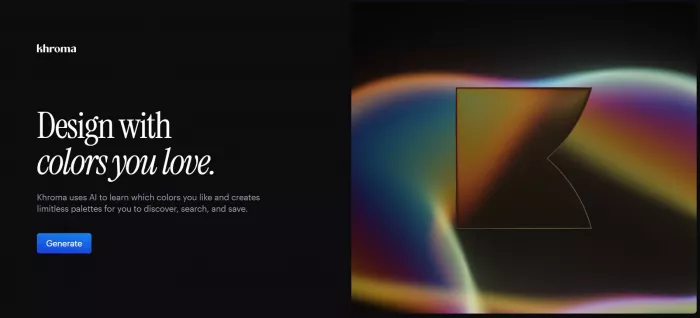
A strong brand requires a distinct and recognizable color scheme – just look at Spotify, IKEA, and Google.
Khroma is an AI-powered tool that helps you create personalized color palettes based on your preferences. You simply select colors you like, and the AI learns your taste. It then generates endless palette combinations that match your style and are proven to be visually harmonious with each other.
Why It Stands Out:
● Khroma learns your preferences and generates palettes tailored specifically to your brand style, instead of just spitting out random color combinations.
● Color palettes are also visually harmonious and cohesive, making it easy to create consistent and appealing graphics across logos, websites, social media, and product design..
● Khroma provides multiple palette variations (instead of just giving one), making it easy to explore different branding directions.
Who Should Use Khroma?
● Startups building their brand identity
● Founders who want consistent visual branding
● Designers working on UI/UX projects
Price:
● Free to use.
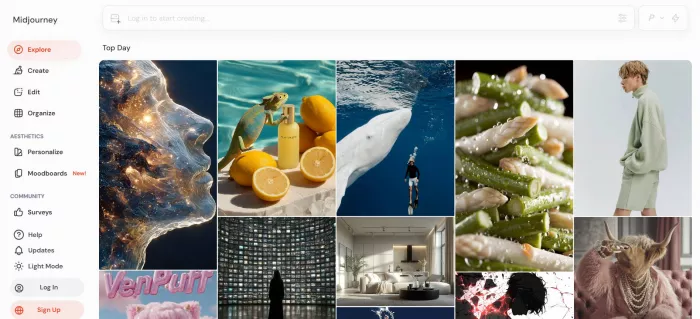
Midjourney is widely regarded as one of the best AI tools for generating artistic and highly detailed images. It’s often the go-to choice when startups need eye-catching visuals for marketing campaigns, concept art, or landing pages.
Why It Stands Out:
● Their AI can create images and illustrations with unique composition, rich texture, and cinematic lighting. It’s great for startups that are looking for more detailed and complex visuals, rather than just a simple icon or image.
● Midjourney are also better at creating more stylized images. So if you’re looking for Renaissance-style or Disney-style illustrations, it’s your best bet.
● It’s a straightforward text to image generation tool. Even if you don’t have the drawing skills, you can get great visuals. Still, you do need to provide detailed instructions for the AI to get best results.
Who Should Use Midjourney?
● Startups who run more creative campaigns
● Artistic-based or creativity-focused companies
● Founders who want more eye-catching hero images
Pricing:
● Basic Plan starts at $10 while Mega Plan can go up to $120.
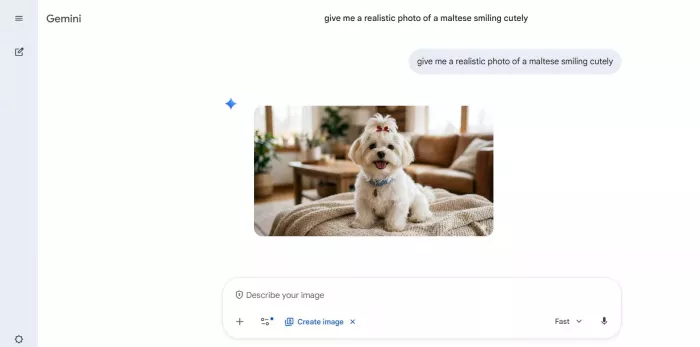
Another text to image generator to consider is Google Gemini. If Midjourney is best for creating the character illustration of your sci-fi gaming app, Google Gemini is best for your corporate presentations or blog visuals as they excel in more natural or “real” looking images.
Why It Stands Out:
● Google Gemini can create any kind of image or illustration, but they work best for more realistic images. It’s useful for pitch decks, blog illustrations, UI mockups, product shots, or lifestyle shots.
● Users can easily refine the image via chat, such as changing the background, angle, or colors. However, you won’t get much more editing control aside from giving the prompt, so if you are looking for a more granular level of editing, you won’t find it here.
● Users can also upload a doodle and a reference photo for Gemini to “combine”. This is helpful for founders who want to experiment with different aesthetics and create unique looks without doing it all from scratch.
Who Should Use Google Gemini?
● Non-designers who want an easy, flexible design process
● Teams needing quick marketing visuals
● Startups that rely on Google Workspace
Pricing:
● Google Gemini can be accessed for free.
● Should you wish to upgrade your plan to access more advanced image generation features and to unlock video generation, you can do so by subscribing to Google AI Plus which starts at $7.99.
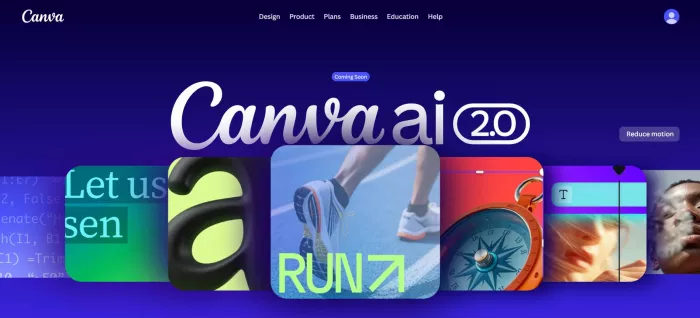
Creating consistent marketing visuals is one of the biggest challenges for startups. You don’t just need one good design – you need a continuous stream of content for social media, ads, emails, and campaigns.
Canva Magic Studio is designed to make this process fast and accessible by combining AI-powered design tools with an easy-to-use interface. Instead of starting from scratch, you can generate, edit, and publish content in minutes (even without any design experience!).
Why It Stands Out:
● Canva Magic Studio lets you generate social media graphics instantly using Magic Design, which creates ready-to-use layouts based on your text input.
● Magic Resize allows you to adapt one design into multiple formats (Instagram, TikTok, LinkedIn, etc.)while Magic Write helps you create captions, headlines, and content ideas alongside your visuals.
● The platform also includes thousands of social media templates, making it easy to produce professional-looking content quickly. Their editor is also really easy to use that even non-designers can handle it.
Who Should Use Canva Magic Studio?
● Startups managing social media accounts
● Founders who don’t have a lot of time to edit
● Marketing teams producing high-volume content
Price:
● Free plan available with basic features.
● Canva Pro starts at around $12.99/month.
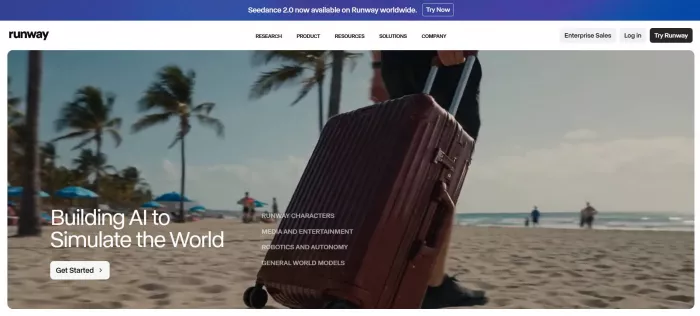
Traditional video production requires equipment, editing skills, and significant time investment, which is why they seem so out of reach for most startups.
Runway changes this by offering AI-powered video creation and editing tools that make the process faster and more accessible. With Runway, startups can generate videos from text, edit clips, create animation, and apply advanced effects without needing professional video editing experience.
Why It Stands Out:
● Users can create complex videos from simple text prompts, or from an image reference. This allows you to “produce” videos without needing cameras, actors, or a set.
● Editing is also made simple in Runway. You can adjust motion intensity, camera angles, color grading, lighting, and the like with just a few clicks.
● Runway also provides AI tools for background removal and motion tracking, which simplifies more of the time consuming editing tasks.
Who Should Use Runway?
● Startups creating social media video content
● Marketing teams running video ads and campaigns
● Founders building product demos
Pricing:
● Offers a free version, albeit with restrictions and watermark.
● Paid plans start at $12 minimum and $76 max.
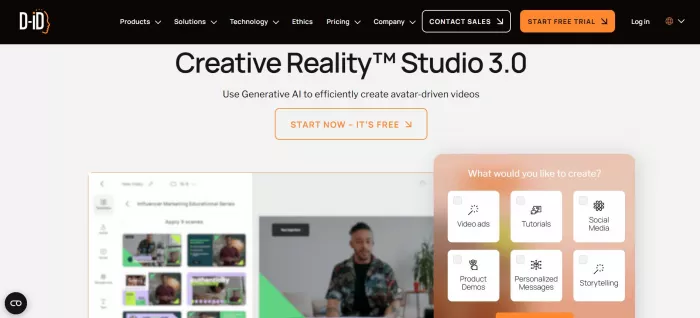
If you do more talking heads or video presentations, then D-ID is worth a look.
D-ID Creative Studio allows startups to create AI-generated talking videos using digital avatars. You simply input text, choose an avatar, and the platform generates a video where the avatar speaks your script naturally. No need to hire actors or have yourself personally speak to a camera!
● D-ID enables startups to create human-like video content without hiring actors or presenters. This is particularly useful for explainer videos, onboarding content, and customer communication.
● Humanlike-presence in videos are also proven to have better engagement compared to static visuals, which can be helpful for startups hoping to get more engagement on their accounts.
● Simple text prompts can be instantly turned to a full narrated content, reducing the time and effort needed to write a full script. They also supports multiple languages, making it easy to create global content.
Who Should Use D-ID?
● Startups creating onboarding videos
● Teams producing explainer content
● Businesses targeting global audiences
Price:
● No free plan, but they do have a free 14-day trial .
● Paid plans starts at $4.7 per month.
AI design tools have made it easier than ever for startups to create high-quality visuals without the need for large teams or expensive resources.
Each tool we listed above is great and serves a specific purpose. For instance:
● For branding: Design.com, Khroma
● For visuals: Midjourney, Google Gemini
● For social media content: Canva Magic Studio
● For video content: Runway, D-ID
By combining these AI tools, startups can handle everything from branding to content creation in a faster and more efficient way. So even if you have a small team (or working solo), you can still produce quality designs and maintain a strong visual presence across all platforms.

Marketing teams often need images before a product is ready for a phot...

Creating a logo that will grab customers' attention is one of the main...

Enterprise software has a well-known failure mode. The demo goes great...

Most people who produce video at any real scale hit the same wall even...

A cinematic AI video needs more than realistic skin, dramatic lighting...

Have you noticed how difficult it is not to watch spoilers of a sporti...


Discussion